Roblox is one of the most popular online platforms in the world, yet for someone new to it, the whole thing can feel confusing. Is it a game? An app? Why are there so many completely different games inside it? What even is Robux?
Here is the short answer: Roblox is not just one game. It is a massive online platform where players can jump into millions of user-created experiences, customize their avatars, socialize with friends, attend virtual events, and even build their own games from scratch.
This beginner-friendly guide covers everything you need to know — what Roblox is, how it works, how Robux fits in, and what parents should check before their child starts playing.
What Is Roblox?
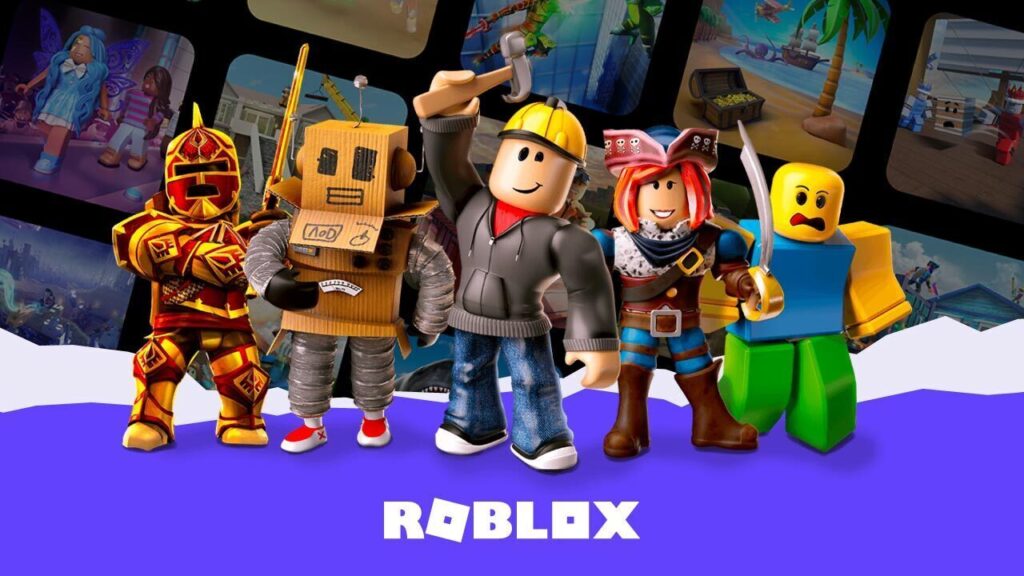
Roblox is an online gaming and creation platform where users play experiences built by other users. Unlike a traditional video game with one storyline and one gameplay style, Roblox gives you access to millions of different experiences across almost every genre imaginable — racing, roleplay, horror, adventure, anime battles, pet collecting, tycoon building, survival, and much more.
Is Roblox a game or a platform?
Roblox is a platform, not a single game. One experience on Roblox might be a school roleplay world, while another is a horror maze, a racing track, or a business simulator. All of them live inside Roblox, but each is a completely separate creation made by a different developer. Think of it as a gaming platform, creation studio, and social network rolled into one.
Who created Roblox?
Roblox was co-founded by David Baszucki and Erik Cassel (who passed away in 2013) and officially launched in 2006. Today it is owned and operated by Roblox Corporation, and it has grown into one of the most-used online platforms among younger audiences worldwide.
How Does Roblox Work?
The basic idea is simple: you create a free account, install the Roblox app, and start browsing experiences. Once you are in, you can search for any kind of game, join friends already playing, customize your avatar, and explore different virtual worlds.
For players, the process looks like this:
- Create a free Roblox account at roblox.com.
- Download the Roblox app or open it in a browser on a supported device.
- Search for an experience or browse the homepage.
- Hit the play button and join.
- Customize your avatar, add friends, and explore.
Most experiences are completely free, though some include optional purchases using Robux (Roblox’s virtual currency).
For developers, Roblox also provides a free tool called Roblox Studio, which lets anyone build and publish their own experiences. Creators design maps, characters, and gameplay systems, test everything inside the Studio, then publish directly to the Roblox platform. Successful developers can earn Robux through in-game purchases, game passes, private servers, and other monetization options.
What Can You Do in Roblox?
Roblox is not just about playing games. It combines gaming, creativity, social interaction, and community in a way that keeps players engaged across many different interests.
Some of the most popular things people do on Roblox include playing multiplayer experiences, customizing their avatar, chatting and roleplaying with friends, joining fan communities, attending virtual concerts and seasonal events, building their own worlds in Roblox Studio, and competing in racing, fighting, or survival challenges.
Popular experience genres
Roblox’s library covers almost every genre. The most popular categories include roleplay experiences, horror games, obby (obstacle course) games, tycoon builders, simulators, anime fighting games, pet collection games, survival games, racing experiences, and open-world adventures. If one experience does not suit you, there are millions more to try.
How to Start Playing Roblox
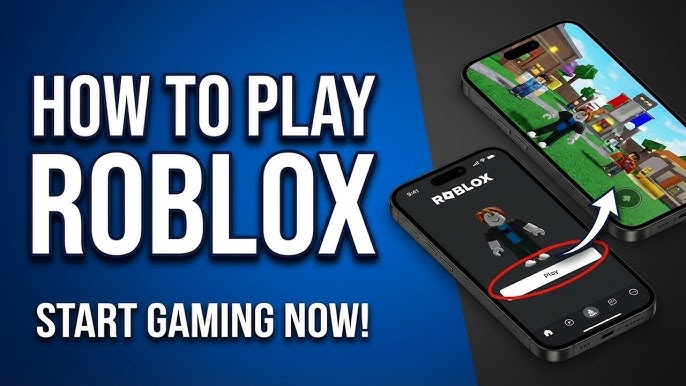
Getting started is straightforward, even with zero gaming experience.
- Go to roblox.com or download the Roblox app on your device.
- Click “Sign Up” and create a free account.
- Choose a username and a strong password.
- Enter your date of birth accurately — Roblox uses this for age-appropriate settings.
- Log in and adjust your privacy settings before playing.
- Search for a beginner-friendly experience (obbys and tycoon games are great starting points).
- Hit play, install the Roblox player if prompted, and you are in.
Before you dive in, a few important habits to set early: use a unique, strong password; never share your login details with anyone; ignore any website claiming to give you free Robux; and if you are a younger player, check the privacy settings with a parent before adding friends or enabling chat.
Must Read: How to Play Roblox on PC, Mobile and Console (Beginner Guide 2026)
What Is Robux?
Robux is the virtual currency inside Roblox. Players use it to buy avatar clothing, hairstyles, accessories, animations, game passes, private servers, and premium in-game features.
Robux is entirely optional — you can play most Roblox experiences for free. That said, many players use Robux to personalize their avatar or unlock extra content inside their favorite games.
What can you buy with Robux?
Robux can be spent on avatar clothing and accessories, hairstyles and animations, game passes (special abilities or perks inside an experience), private servers (so you can play with just your friends), in-game boosts or upgrades, limited-edition cosmetic items, and premium items from the Roblox Avatar Marketplace.
How do you get Robux?
There are a few legitimate ways to obtain Robux: buying it directly through the Roblox website or app, subscribing to Roblox Premium (which gives a monthly Robux allowance plus other perks), earning it as a developer through your own published experiences, or selling eligible UGC (user-generated content) items on the Avatar Marketplace.
Important: Never trust any third-party website or account that promises free Robux. These are scams — they exist to steal your account credentials or personal information. Robux should only be obtained through official Roblox channels.
Why Is Roblox So Popular?
Roblox has stayed consistently popular because it combines gaming, creativity, and social life in one place, and the content never runs out. Because players and developers constantly create new experiences, there is always something fresh to discover.
The platform is free to start, works across multiple devices, and gives players real freedom — freedom to choose what they play, how their avatar looks, and who they play with. It also evolves quickly, with regular events, trending games, and seasonal updates that give players a reason to keep coming back.
For kids and teens in particular, Roblox feels different from most games because they are not just consuming content — they can also create it, share it, and build a following around it. That creative aspect is a big part of why younger audiences find it so compelling.
Pros and Cons of Roblox
Before starting, it is worth understanding both sides of the platform.
- Pros: Roblox is free to download and play. It has an enormous variety of experiences. Friends can play together across different devices. Avatars are highly customizable. Anyone can create and publish their own games using Roblox Studio. The platform regularly adds new content and events.
- Cons: Some user-created experiences are low quality, since anyone can publish. In-game purchases can add up quickly if not monitored. The open chat system needs careful supervision for younger players. Screen time can become a problem without clear limits. Free Robux scams specifically target younger users. Some experiences may not be appropriate for very young children despite Roblox’s moderation.
Roblox works best when players use proper safety settings, set spending limits, and maintain balanced screen time.
Is Roblox Safe for Kids?
Roblox can be safe for kids when the right settings are in place, but parents should not assume the default settings are sufficient. Because Roblox is an online multiplayer platform with chat, friend requests, user-created games, and virtual purchases, it requires some parental attention — especially for younger children.
Built-in safety features
Roblox includes a range of safety tools: chat filtering (automatically blocks inappropriate language), privacy settings (controlling who can find and contact your child), account restrictions (limiting content to a curated set of age-appropriate experiences), parental controls (which can be linked to a parent email), and report and block tools that players can use directly inside any experience.
Steps parents should take
- Create or review your child’s Roblox account with them.
- Add a parent email address to the account.
- Set a strong, unique password your child knows but has not shared.
- Open the Privacy settings and limit who can message, follow, or chat with your child.
- Enable account restrictions if your child is young.
- Review friend requests and recently played experiences periodically.
- Set a clear Robux spending limit and discuss it with your child.
- Teach your child to recognize and ignore free Robux websites and suspicious links.
- Discuss screen time limits and agree on a daily or weekly schedule.
- Encourage your child to tell you immediately if anything online makes them uncomfortable.
Safety tips for kids
Never share your password with anyone — including friends. Do not give out your real name, school, location, or other personal details in chat. Ignore or report players who behave rudely or send suspicious links. Ask a parent before spending any Robux. Leave any experience that makes you feel uncomfortable and report it.
Devices That Support Roblox
Roblox is available across a wide range of devices, making it easy to pick up on whatever hardware you already have. Supported platforms include Windows PC, Mac, Android phones and tablets, iPhone, iPad, Xbox consoles, PlayStation consoles, and select VR-supported devices.
For the best experience, make sure your device software is up to date, you have a stable internet connection, and enough storage for the Roblox app. Some graphically intensive experiences may run better on newer hardware, but most Roblox games are designed to work on a wide range of devices.
Can You Create Games in Roblox?
Yes and this is one of the most distinctive things about Roblox. Anyone can download Roblox Studio for free and start building their own experiences, from simple obstacle courses to complex multiplayer simulators.
What is Roblox Studio?
Roblox Studio is the official game development tool for the platform. It is used by complete beginners, hobby creators, and professional developers alike. You can use it to build maps and environments, add characters and objects, create gameplay systems using Luau scripting, test your experience, and publish it directly to Roblox for other players to discover.
How to create your first Roblox experience
- Download Roblox Studio from the official Roblox website.
- Log in with your Roblox account.
- Choose a starter template (Baseplate, Obby, City, etc.).
- Build your environment using Studio’s drag-and-drop tools.
- Add gameplay elements — obstacles, NPCs, collectibles.
- Use Luau scripts to add interactivity if you are ready to code.
- Test your experience inside the Studio using the Play button.
- Fix any issues, then publish it to Roblox.
- Share the link with friends and gather feedback.
- Update and improve it over time.
Beginners do not need to know how to code to get started. Templates, free community models, and Roblox’s own beginner tutorials make it easy to build something simple on your first day.
Can You Make Money on Roblox?
Yes, developers can earn Robux from their experiences through game passes, developer products, private servers, premium payouts, and UGC item sales. Some eligible developers can then convert their earned Robux into real money through Roblox’s official Developer Exchange (DevEx) program.
That said, making meaningful income on Roblox takes time and effort. Successful experiences typically involve strong game design, consistent updates, effective thumbnails and descriptions, active community engagement, and solid player retention. For beginners, the priority should be learning the craft first — the earning potential follows once you have built something players actually want to return to.
Roblox for Parents: What You Should Know!
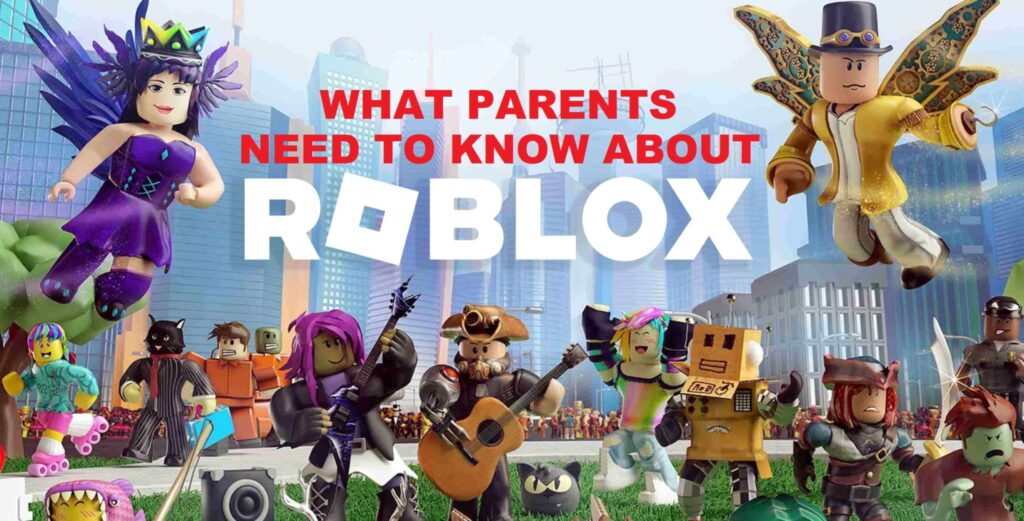
Parents should understand from the start that Roblox is not one game, it is a platform hosting millions of user-created experiences, each with its own tone, content, and community. A simple pet simulator and a competitive horror game both live inside Roblox, but they are very different.
The most important things to monitor are your child’s privacy settings and who can contact them, their friend list and any unknown users who have connected with them, the experiences they are playing frequently (check the Recently Played section), their Robux purchase history, and overall screen time.
You do not need to ban Roblox to keep your child safe. Clear rules, adjusted settings, and regular check-ins go a long way. Think of it like any other online space guidance matters more than avoidance.
Best Experiences for Beginners
If you are brand new to Roblox, start with experiences that are easy to understand and do not require advanced skills. Good genres for beginners include obby (obstacle course) games, tycoon games, casual simulator games, roleplay experiences, pet collection games, and simple racing games. These genres are welcoming to newcomers and give you a feel for how Roblox experiences work before you explore more complex ones.
What exactly is Roblox?
Roblox is an online platform where users can play and create experiences built by other users. It is not a single game but a collection of millions of virtual worlds across every genre.
Is Roblox free to play?
Yes, Roblox is free to download and play. Optional purchases are available through Robux, but most experiences can be enjoyed without spending anything.
Is Roblox a game or a platform?
It is a platform. Roblox hosts many different user-created experiences rather than being one fixed game.
What is Robux?
Robux is Roblox’s virtual currency. Players use it to buy avatar items, game passes, private servers, and premium content inside experiences.
Is Roblox safe for kids?
Roblox includes built-in safety tools including chat filtering, privacy settings, parental controls, and reporting features. However, parents should actively adjust these settings and monitor activity, especially for younger children.
Can you make games on Roblox?
Yes. Roblox Studio is a free tool that lets anyone create and publish their own experiences. Beginners can start with templates and built-in tutorials.
Can you make money on Roblox?
Developers can earn Robux through their experiences and may convert eligible earnings into real money through the official DevEx program. This takes time and consistent work to achieve.
What devices support Roblox?
Roblox works on Windows PC, Mac, Android, iPhone, iPad, Xbox, PlayStation, and some VR-supported devices.
What age is Roblox designed for?
Roblox is most popular among kids and teenagers, but adults use it too, especially as developers. Younger players should always use parental controls and age-appropriate settings.
Is Roblox good for learning to code?
Yes. Roblox Studio uses Luau scripting, and many players get their first real coding experience by building Roblox experiences. There are also dedicated beginner tutorials and a large creator community to learn from.