


By using this site, you agree to the Privacy Policy and Terms of Use.
Accept
FandomScoop Logo FandomScoop Light Logo
  • Movies
  • Streaming
  • TV Shows
  • Call of Duty
  • Fortnite
  • GTA
  • Minecraft
  • Roblox
  • Valorant
  • Puzzle Games
Reading: GTA 6 Weapon Wheel and Inventory System Explained
Share
FandomScoopFandomScoop
Font ResizerAa
Search
  • Entertainment
    • Entertainment News
    • Streaming
    • TV Shows
    • Movies
  • Gaming
    • Gaming News
    • Puzzle Games
    • Fortnite
    • Call of Duty
    • GTA
    • Valorant
    • Roblox
    • Minecraft
Follow US

Home – Gaming – GTA – GTA 6 Weapon Wheel and Inventory System Explained

GTA

GTA 6 Weapon Wheel and Inventory System Explained

FandomScoop
Last updated: November 26, 2026 6:05 pm
FandomScoop
Fevicon Site Icon
ByFandomScoop
Editorial Team
The FandomScoop Editorial Team brings over 2 years of combined experience in gaming journalism, entertainment reporting, and digital media. We cover gaming news, puzzle game solutions,...
Follow:
- Editorial Team
Share
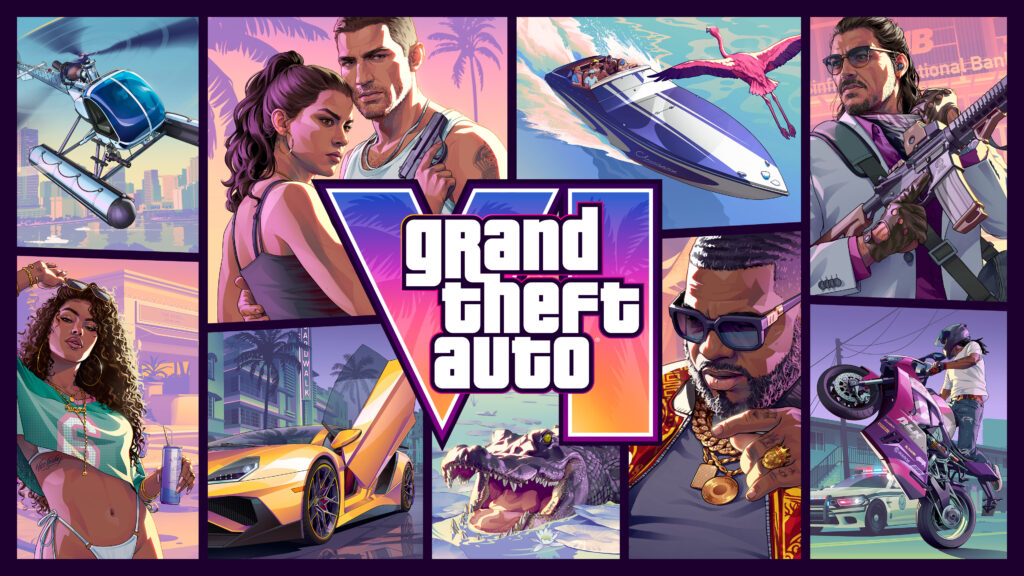
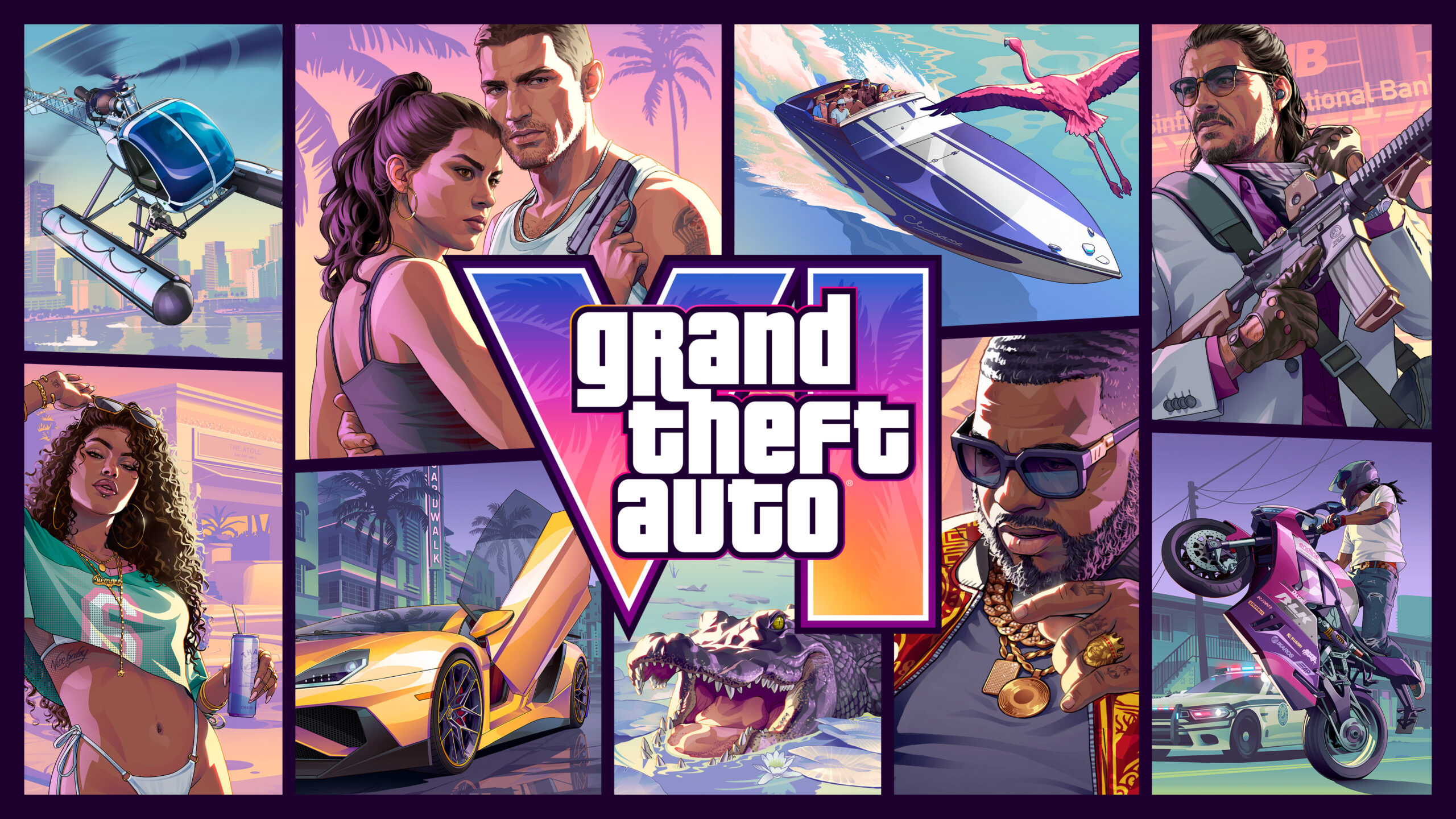
Grand Theft Auto VI now available official key art
Image: Rockstar Games

The weapon wheel returns in GTA 6, but the bottomless pocket arsenal of GTA 5 does not. Rockstar moved to a tighter loadout where what you carry is limited and the rest lives in storage. Here is how the wheel, the inventory and ammo work. For the guns themselves, see our GTA 6 weapons list.
Contents
  • How the weapon wheel works
    • Two tabs
  • The carry limit
  • Storage and getting weapons
  • Ammo types
  • NPCs notice drawn weapons
  • Tips
  • FAQ
    • Can you carry every weapon in GTA 6?
    • How do you open the weapon wheel?
    • Did Rockstar try to replace the wheel?
Grand Theft Auto VI official key art
Image: Rockstar Games

How the weapon wheel works

The wheel keeps the familiar radial layout, with a cleaner, more minimalist and colourful look. On PS5 the game teaches it early with a tip that reads “Hold L1 to open your loadout”. Highlight an item and release the button, and the wheel closes with that item in your hand. With nothing selected, the centre reads unarmed.

Two tabs

The wheel is split into a Weapons tab and an Items tab, and on PS5 you switch between them with R1. Items cover gear and consumables such as binoculars and quick-use meds, and the same loadout wheel is also described as handling clothing.

The carry limit

This is the biggest change. One guide reports that you carry two sidearms and two long guns at a time, with one long gun slung on your back and one in your hands. That figure comes from a single secondary source, so treat it as reported rather than official. What is widely reported is that the wheel manages what you can carry at once, not everything you own.

Storage and getting weapons

Weapons you are not carrying are stored elsewhere, in a Red Dead Redemption 2 style approach. Guides say you get weapons from Ammu-Nation shops, free pickups on the map, and story mission unlocks. Plan your loadout before a mission or a heist.

Ammo types

Ammo is tracked by type, including pistol, shotgun, heavy, spear and rockets. Weapons also support customisation such as magazines, optics and tints, according to coverage of Rockstar’s preview.

NPCs notice drawn weapons

Pedestrians react when you pull a weapon, and in busy public areas your character is reported to holster automatically. That ties into the police system, so see the wanted level guide.

Tips

  • Keep a quiet sidearm for towns and a long gun for planned fights.
  • Check your ammo type before a long mission.
  • Open the wheel before you leave a safehouse so you are never caught unarmed.

FAQ

Can you carry every weapon in GTA 6?

No. The loadout is limited, and extra guns stay in storage.

How do you open the weapon wheel?

Hold L1 on PS5 to open the loadout wheel. Xbox uses the matching button.

Did Rockstar try to replace the wheel?

Journalist Jason Schreier reported that developers spent a long time trying alternatives before ending up with the wheel again.

Last checked: 26 November 2026. The exact carry limit comes from guides and may differ from the final game.


TAGGED:GTA 6
Share This Article
Flipboard Email Print
Fevicon Site Icon
ByFandomScoop
Editorial Team
Follow:
The FandomScoop Editorial Team brings over 2 years of combined experience in gaming journalism, entertainment reporting, and digital media. We cover gaming news, puzzle game solutions, streaming updates, technology trends, and pop culture stories, with a commitment to accuracy, transparency, and reader-focused content.
Previous Article Grand Theft Auto VI launch trailer still GTA 6 Six-Star Wanted Level: How to Get It Fast at the Military Base
Next Article Grand Theft Auto VI official pre-load artwork How to Use the Phone in GTA 6: All Apps and Features Explained
Leave a Comment Leave a Comment

Leave a Reply Cancel reply

Your email address will not be published. Required fields are marked *

Add as a preferred source on google

You Might Also Like

Grand Theft Auto VI original score official artwork
GTA

Best GTA 6 Settings to Change Before Playing

November 26, 2026
Grand Theft Auto VI in-game radio official artwork
GTA

How to Change Distance and Measurement Units in GTA 6

November 26, 2026
Grand Theft Auto VI official pre-load artwork
GTA

How to Use the Phone in GTA 6: All Apps and Features Explained

November 26, 2026
Grand Theft Auto VI launch trailer still
GTA

GTA 6 Six-Star Wanted Level: How to Get It Fast at the Military Base

November 26, 2026
FandomScoop

FandomScoop: Gaming news, guides and game codes for Roblox, Fortnite, Call of Duty, Minecraft, GTA 6 and more, plus movie and TV coverage.

Categories
  • Entertainment
  • TV Shows
  • Streaming
  • Movies
  • Gaming
  • Call of Duty
  • Fortnite
  • GTA
  • Minecraft
  • Roblox
  • Puzzle Games
  • Valorant
Quick Links
  • About Us
  • Contact Us
  • Cookie Policy
  • Disclaimer
  • Disclosure
  • Editorial Guidelines
  • Privacy Policy
  • Terms and Conditions
  • Sitemap
Copyright © 2026 FandomScoop. All rights reserved.