


Escaping the police in GTA 6 takes more than outrunning a patrol car. Rockstar has rebuilt the wanted system so the cops remember what you look like, what you drive and what you carried, and they keep hunting you after the chase ends. If you keep getting caught, this guide explains how stars and heat icons work and the steps that actually clear them.
Quick answer: Break line of sight, leave the red search area, then clear every heat icon under your stars by changing clothes, switching vehicles and avoiding witnesses. Do not mistake red stars for a cleared wanted level.
How the GTA 6 Wanted System Works
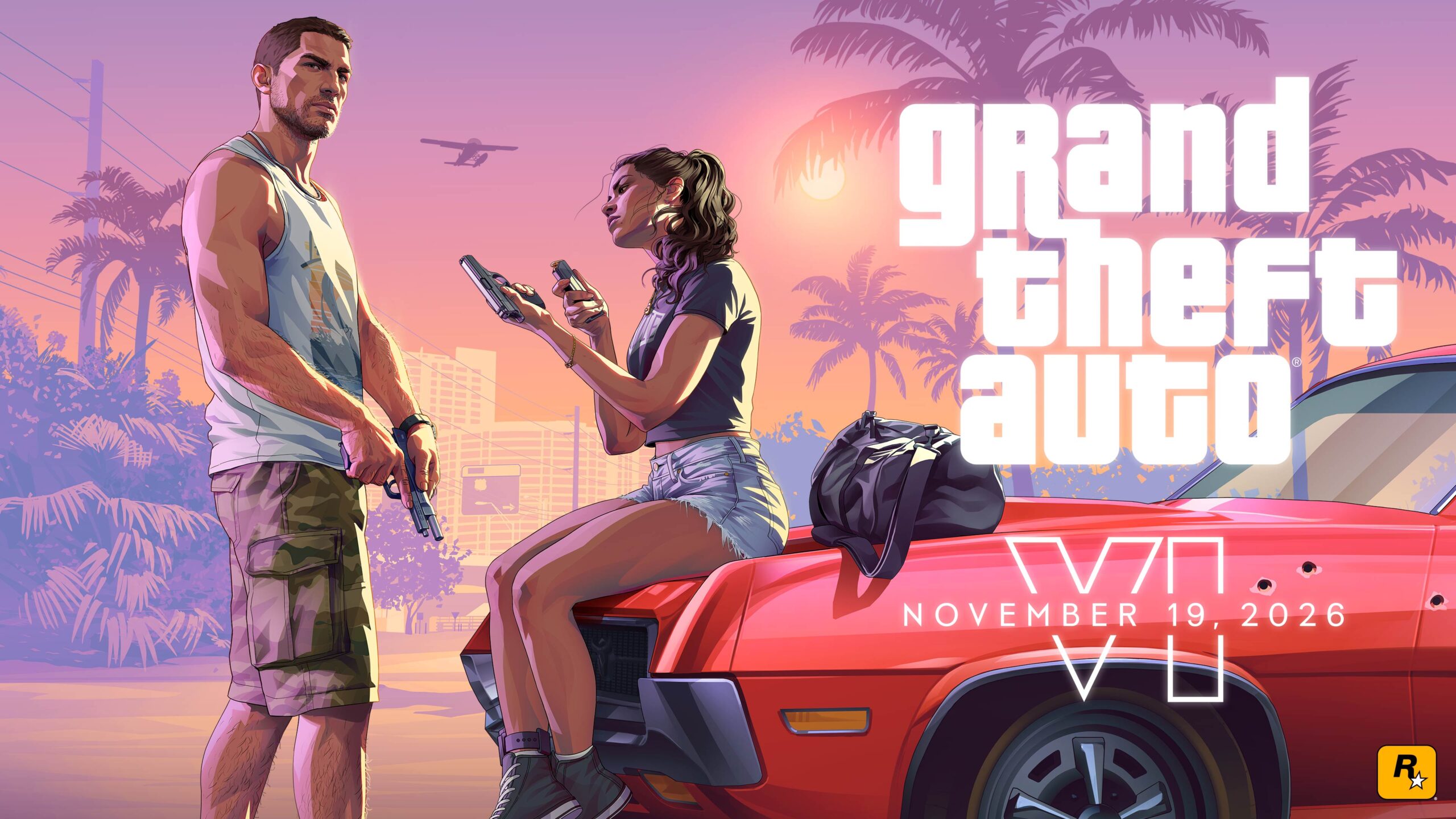
GTA 6 uses a six-star wanted level, one more than GTA 5. It was last seen in GTA 4 and Chinatown Wars. The system has two layers: stars and heat. Stars show how serious the police response is, from one to six. Heat is the list of details the police have on you, shown as icons under the stars. A crime also has to be witnessed or reported, for example through an alarm, before the police are alerted.
What the Star Colors Mean
Hollow, solid white, flashing white and red stars show different stages of police awareness. Guides agree that red stars mean the active chase is over but the police are still looking for you, so a red star does not mean you are clear. Rockstar has not published the exact crimes needed for each star level.
What the Heat Icons Mean
| Icon | What police know | How to clear it |
|---|---|---|
| Weapon | A weapon was involved | Put it away and avoid showing it |
| Person | Your physical description | Avoid being seen again |
| Clothing | What you are wearing | Change your outfit |
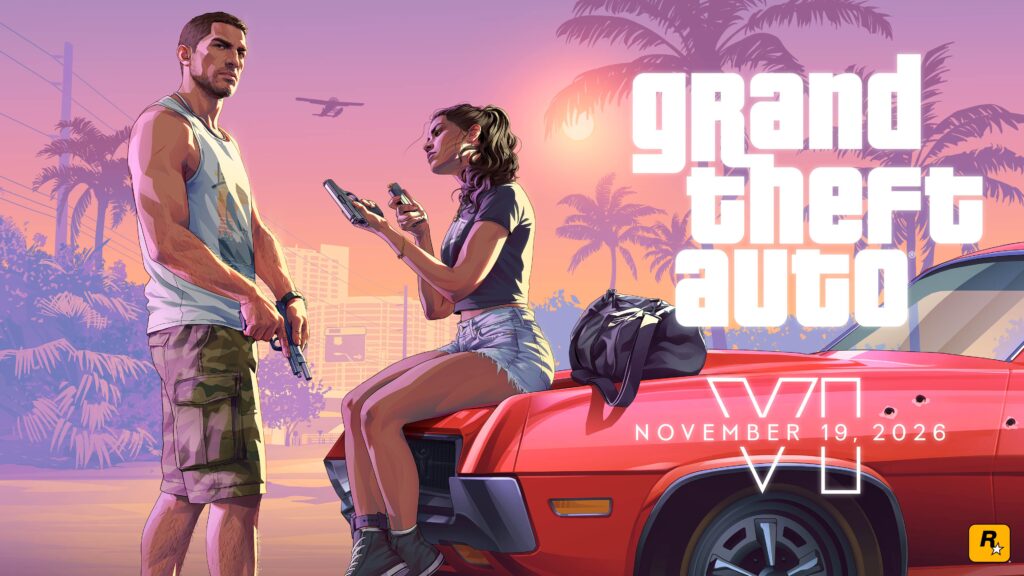
| Two people | Jason and Lucia are a pair | Split up |
| CCTV | Camera footage of you | Leave the area and wait |
| Vehicle | The car you are using | Switch or repaint the vehicle |
The more the police know, the easier it is for them to find you. That is why a quick escape on its own often fails.
How to Lose the Cops Step by Step
- Do not escalate. Shooting officers and causing mayhem raise your wanted level and bring more units.
- Break line of sight. Get out of view of officers and helicopters.
- Leave the search area. Police set up a perimeter search instead of driving straight to you, so get outside the marked zone.
- Clear the heat icons. Change clothes, switch vehicles and, if you are traveling as a pair, split up.
- Stay out of hot areas. Places where you committed crimes become hot areas, similar to the bounty system in Red Dead Redemption 2. The cops will linger there.
Use Pay ‘n’ Spray
Pay ‘n’ Spray returns in GTA 6. You can repaint a car to break a chase, repair it, check its value or register stolen cars. Repainting is a quick way to clear the vehicle icon. For what else it does, see our stolen cars guide.
Vehicle Trackers and the Police
Cars with trackers can give the police your position, and Advanced trackers are the most dangerous. If you steal a tracked car, expect to be found faster. Our vehicle tracker explainer covers what each type does.
Injuries Work on Cops Too
The injury system applies to officers as well. A shot to the leg can drop an officer instead of killing them, and wounded officers may limp away. If you steal a damaged police cruiser, the damage carries over and it handles worse. This changes fights, because you can slow police down without escalating as much.
Common Mistakes
- Thinking red stars mean you are free.
- Changing your outfit but keeping the same car.
- Hiding inside a hot area instead of leaving it.
- Running through a crowd while armed, which adds a witness.
- Stealing a tracked car while already wanted.
Tips for Staying Clean
The best way to avoid heat is to avoid being seen. Plan robberies, choose quiet routes, and keep an escape vehicle nearby. If you are early in the game, protect your money too. Our GTA 6 money guide explains how to bank cash, because dying while wanted can cost you what you carry.
FAQ
How many wanted stars are there in GTA 6?
Six.
What do the red icons under the stars mean?
They show what the police know about you, such as your clothing, vehicle or weapon.
Do red stars mean I lost the cops?
No. The chase has ended, but police are still searching and can recognize you.
Can I lose the cops by changing clothes?
It clears the clothing icon. You still need to clear the others and leave the search area.
Does Pay ‘n’ Spray work?
Yes. Repainting your car can break a chase and clear the vehicle icon.
Sources: Beebom, GTABase, Dexerto, KeenGamer, Mobalytics and Alcast guides; Rockstar Games Newswire for images. Exact crime thresholds for each star level are not fully confirmed. Last checked: November 25, 2026.