
ChatGPT has become one of the most useful AI tools for students, writers, developers, creators, and everyday users. But if you tried it once and received a poor answer, the problem was probably not ChatGPT itself — it was the prompt.
In this beginner-friendly guide, you’ll learn how to use ChatGPT properly, write better prompts, improve responses, and get useful results for writing, studying, coding, work, and daily tasks.
What is ChatGPT?

ChatGPT is an AI chatbot that generates human-like responses based on your input.
It works on a simple idea:
You give a prompt → AI predicts the best response → You refine it.
It doesn’t “know” things like humans. It predicts patterns based on data. That’s why your input matters more than anything.
Real-world use cases:
- Writing blogs, emails, scripts
- Coding, debugging, explaining code
- Studying and simplifying topics
- Business tasks like planning, marketing, reports
Basically, it’s a thinking partner, not just a tool.
How to Access ChatGPT
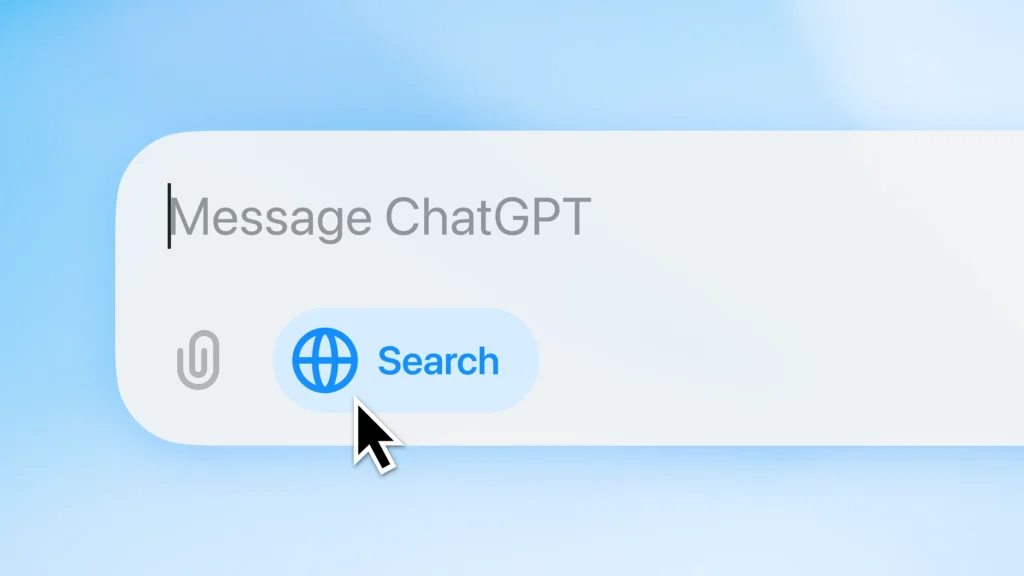
You can use ChatGPT in multiple ways:
- Browser: Go to the official website and start chatting
- Mobile App: Available on Android and iOS
- Desktop App: Useful for long work sessions
Is ChatGPT Free or Paid?
Yes, ChatGPT has a free version. The free plan is enough for basic chatting, quick answers, simple writing help, and everyday use.
OpenAI also offers paid plans such as Go, Plus, Pro, Business, and Enterprise, depending on the user’s needs. Paid plans usually provide higher usage limits, better access to advanced models, faster performance, and more tools.
Upgrade only if you use ChatGPT regularly for writing, research, coding, business work, or productivity.
Basic Requirements
- Internet connection
- Account (optional but recommended)
- A clear idea of what you want
How to Use ChatGPT (Step-by-Step Guide)
Step 1 – Create an Account
Sign up using email, Google, or Apple. Takes 2 minutes.
You’ll unlock chat history and personalization.
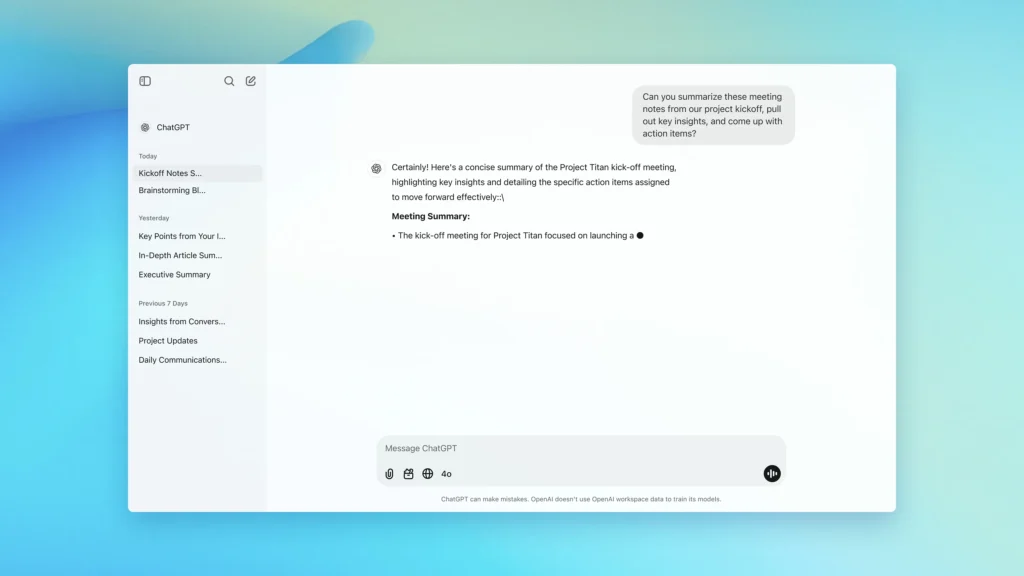
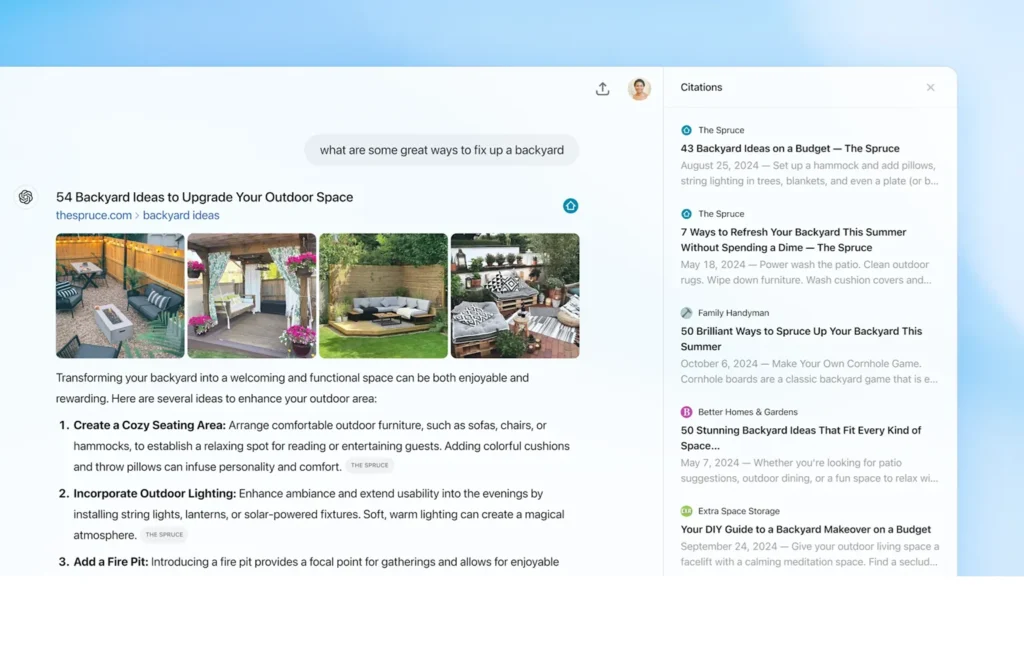
Step 2 – Understand the Interface
Keep it simple:
- Chat box → where you type
- History sidebar → previous chats
- Settings → customization
That’s it. No complicated dashboard.
Step 3 – Write Your First Prompt
Bad prompt:
“Explain AI“
Better prompt:
“Explain AI in simple terms for a beginner in 100 words”
Good prompt = better output. Always.
Examples:
- “Write a professional email asking for leave”
- “Give 5 blog ideas about fitness”
- “Explain Python loops with examples”
Step 4 – Improve Your Results
Here’s where most beginners fail.
- Be specific
- Add context
- Ask follow-ups
Example:
- “Make it shorter”
- “Add examples”
- “Rewrite in a casual tone”
The first answer is rarely the final one. Iterate.
Best ChatGPT Prompts for Beginners
Writing Prompts
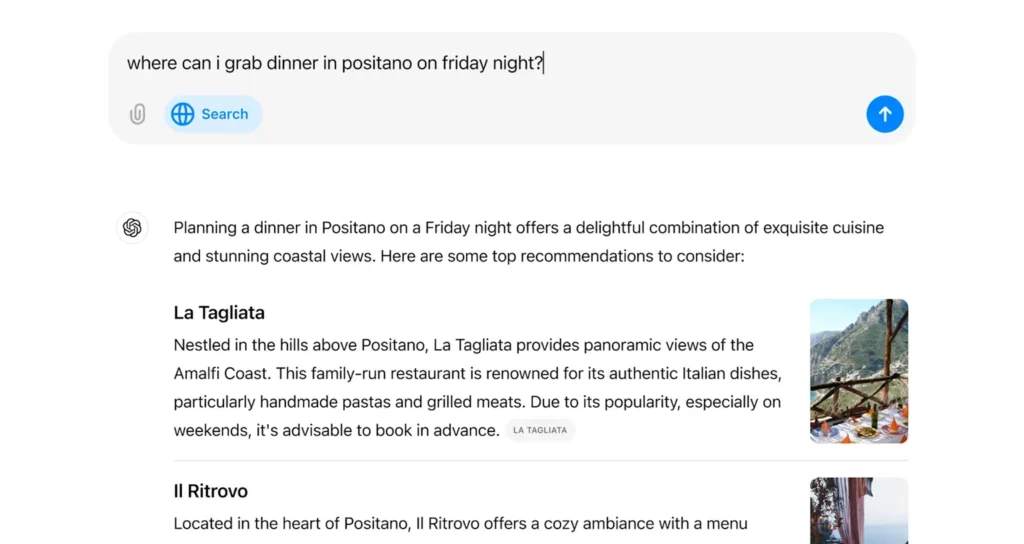
- “Write a blog intro on AI for beginners in a casual tone”
- “Rewrite this paragraph to sound more engaging”
Study Prompts
- “Explain photosynthesis like I’m 10 years old”
- “Summarize this chapter in bullet points”
Coding Prompts
- “Debug this Python code and explain errors”
- “Write a simple login system in JavaScript”
Daily Life Prompts
- “Plan my day with a 9–5 routine”
- “Create a weekly meal plan under ₹2000”
ChatGPT Tips & Tricks
- Give clear instructions
- Break big tasks into smaller steps
- Use step-by-step prompts
- Ask for multiple versions
- Save good prompts for reuse
The trick is simple: treat it like a smart assistant, not Google.
Common Mistakes to Avoid
- Writing vague prompts
- Trusting everything blindly
- Not verifying important info
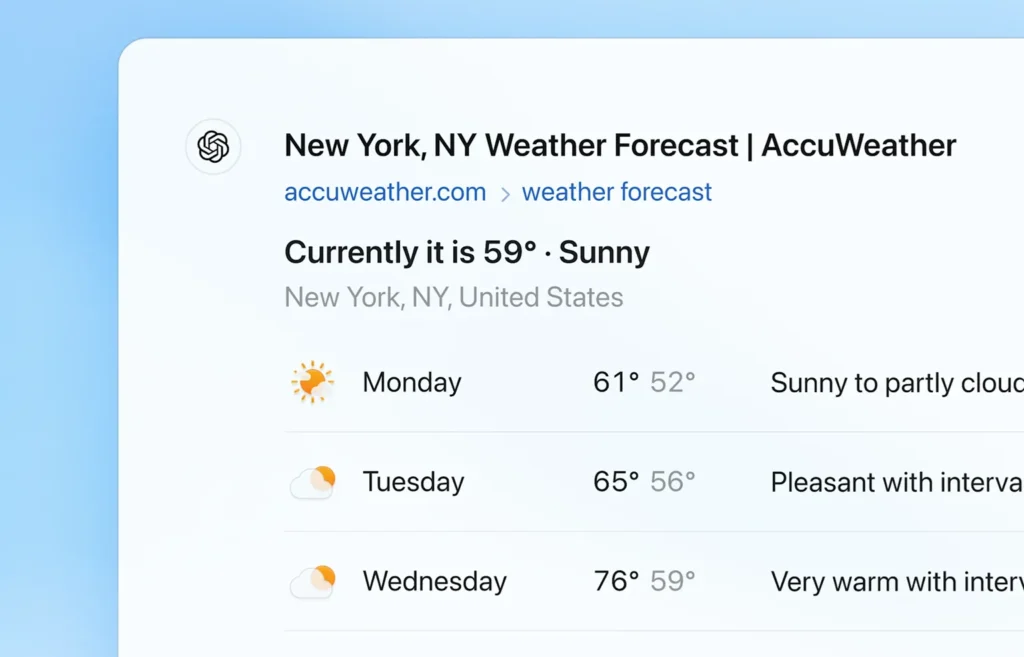
ChatGPT can be wrong sometimes. Always double-check critical stuff.
Is ChatGPT Free?
Yes, there’s a free version.
Free Plan
- Basic features
- Good for casual use
Paid Plan
- Faster responses
- Better reasoning
- Advanced tools
Upgrade only if you actually need it.
Pros and Cons
Pros
Cons
Best Ways to Use ChatGPT in Daily Life
Students
- Notes, summaries, explanations
Bloggers
- Ideas, outlines, rewriting
Developers
- Debugging, code help
Office Work
- Emails, reports, planning
If you use it daily, you’ll improve fast. If you don’t, it stays useless.
Conclusion
ChatGPT is simple on the surface, but powerful when used the right way. Remember one thing: better prompts lead to better results. Don’t ask once and leave — experiment, refine, and improve your prompt until you get the answer you need.
That’s everything regarding how to use ChatGPT. Follow FandomScoop for more such awesome tech guides.
Is ChatGPT safe to use?
Yes, ChatGPT is generally safe to use, but you should avoid sharing passwords, private documents, banking details, or sensitive personal information.
Can ChatGPT replace Google Search?
No. Google Search helps you find websites and current information, while ChatGPT helps you understand, organize, rewrite, summarize, and create content from your input.
Does ChatGPT work on mobile?
Yes, ChatGPT is available on mobile through official iOS and Android apps.
How do I write better ChatGPT prompts?
Be specific, add context, mention the tone, and clearly define the output format. For example, instead of asking “Explain AI,” ask “Explain AI in simple words for a beginner in 100 words.”
Is ChatGPT free or paid?
ChatGPT has both free and paid plans. The free version is suitable for casual use, while paid plans offer more advanced access and higher limits.