The Fortnite Crew looks great when you first subscribe, but the auto-renewal can sneak up on you if you’re not paying attention. The charge will come every month until you manually stop it. It’s not difficult but it does depend on where you subscribed.
This guide is easy to follow and will let you learn how to cancel Fortnite Crew subscription on any platform without missing a beat or being charged again.
What is Fortnite Crew?
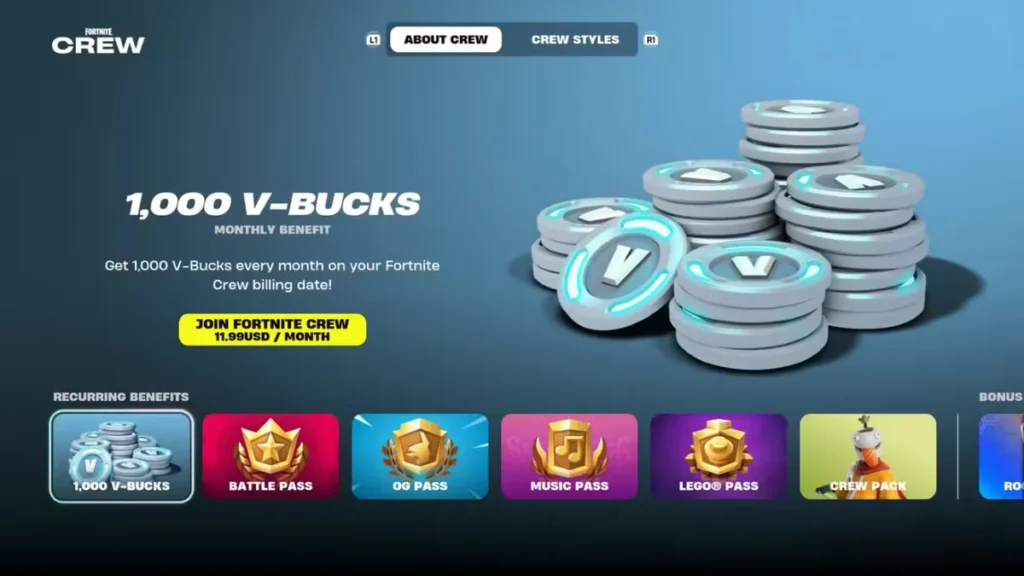
Fortnite Crew is a monthly subscription service for Fortnite, costing $11.99 per month. It is account-bound and uses recurring billing, which means it automatically renews each month until you cancel.
Subscribers receive a range of premium content, including the current Battle Pass, monthly V-Bucks, and exclusive cosmetic items. Along with the Battle Pass, members also get access to the OG Pass, LEGO Pass, Music Pass, and Rocket League Rocket Pass Premium. Each month, an exclusive Crew Pack cosmetic set is added — these items are unique to subscribers and are only available while the subscription is active. New content is added every month.
⚠️ Note: Starting June 6, 2026, the monthly V-Bucks reward will decrease from 1,000 to 800 V-Bucks for subscriptions renewing on or after that date.
Why You Might Want to Cancel Fortnite Crew
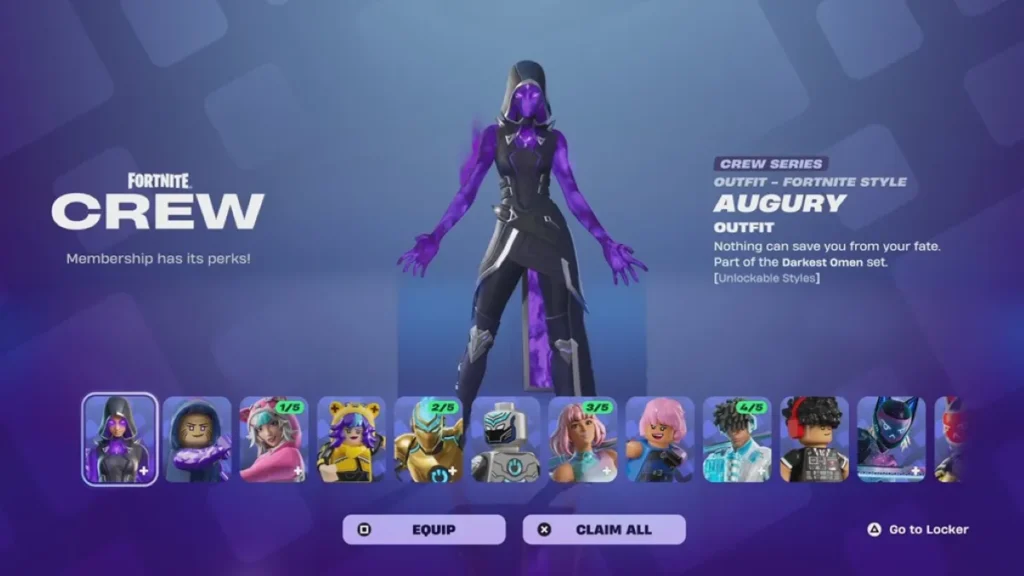
There are a few common reasons players choose to cancel their Fortnite Crew subscription. The biggest one is to avoid repeat charges. The subscription automatically renews every month, so it is easy to forget about it and get billed again without meaning to.
Some players also stop using the benefits altogether. If you are not playing Fortnite regularly, paying $11.99 a month for rewards you are not using does not make much sense. Others move on to different games or other subscriptions and simply have no need for Fortnite Crew during that time.
Whatever the reason, you can cancel at any time. All the rewards you have already received, including V-Bucks, Crew Pack cosmetics, and Battle Pass access, stay in your account even after you cancel. Your subscription also remains active until the end of your current billing period, so you will not lose access right away.
Things to Know Before CancellingThere are a few things you should think about before you cancel your Fortnite Crew subscription.
If you cancel, you will lose the ability to claim new premium rewards on the OG Pass, Music Pass, and LEGO Pass. Rewards you have already claimed are yours to keep, but unlocking new ones will require an active subscription.
You will keep everything you have already earned. All skins, V-Bucks, Crew Pack cosmetics, and any rewards you claimed from the Battle Pass stay in your account permanently after cancelling.
The subscription does not end right away. It stays active until your current billing cycle ends, so you will still have access to all the benefits until that date.
Refunds are generally not offered after rewards have been given out. Epic Games does not provide prorated refunds on Fortnite Crew. On some platforms like Xbox, you may see a refund option, but choosing it will remove your Crew Pack items and V-Bucks from your account, so it is better to simply turn off auto-renewal instead.
How to Cancel Fortnite Crew on Different Platforms
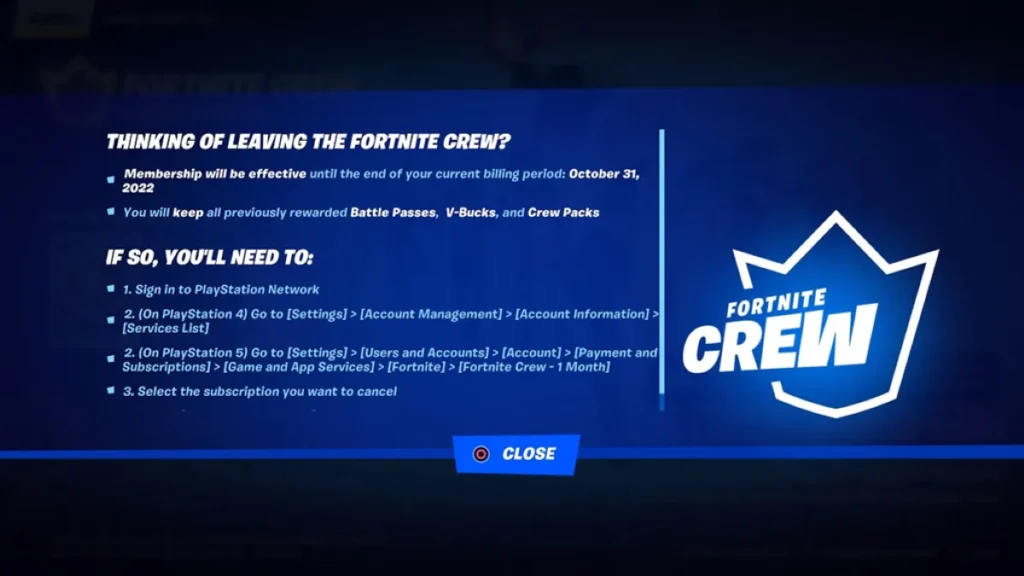
Fortnite Crew Cancel PS5
If you signed up through PlayStation, you need to cancel your subscription directly from your console settings. Here are the steps:
- Go to Settings
- Open Users and Accounts
- Select Payment and Subscriptions
- Go to Game and App Services
- Find Fortnite Crew
- Select Turn Off Auto-Renew
That’s all it takes. Once you turn off auto-renew, your subscription will stay active until the end of your current billing period and will not charge you again after that.
Fortnite Crew Cancel Xbox
If you signed up through Xbox, you can manage your subscription through your Microsoft account. Here are the steps:
- Go to account.microsoft.com
- Sign in to your Microsoft account
- Open Services and Subscriptions
- Find Fortnite Crew
- Select Manage
- Choose Turn Off Recurring Billing
Once recurring billing is turned off, your subscription will remain active until the end of your current billing period and will not renew after that.
Cancel on PC (Epic Games)
If you signed up through Epic Games, you can cancel directly from your account page. Here are the steps:
- Go to epicgames.com/account
- Log in to your account
- Open Subscriptions
- Find Fortnite Crew
- Click Cancel Subscription
- Confirm the action
Once cancelled, your subscription stays active until the end of your current billing period and will not renew after that.
How to Check If Fortnite Crew is Cancelled
Always check your subscription status after cancelling to make sure Fortnite Crew billing has actually stopped.
Go back to the subscription section on the platform you used to cancel. Fortnite Crew should show that auto-renewal is turned off. You can also check your Epic Games account by going to epicgames.com/account and opening the Subscriptions tab, where your cancellation status and remaining access date will be displayed.
Your platform may also send a confirmation email after cancelling. If you do not receive one, log back in and check your subscription settings again to make sure the cancellation went through properly.
Fortnite Crew Not Cancelling? Fixes
If yIf your Fortnite Crew subscription isn’t canceling, there are a few things you can do.
- Make sure you cancel from the same place you signed up for the service. You can’t cancel across platforms with this system.
- See if the subscription is still active on a different device or account. This is a common problem.
If it still doesn’t work, get in touch with the platform you used or Epic Games directly.
What Happens After Cancelling Fortnite Crew
When you have done Epic Games subscription cancel, you won’t be charged for any future cycles. You can still use your subscription until the end of the current billing cycle. There won’t be any more charges after that. You will always have the skins and V-Bucks you already claimed in your account.
Will I lose my Fortnite Crew skins after cancelling?
No. You will always have the skins and rewards you have already claimed.
Can I get a refund after cancelling Fortnite Crew?
In most cases, no. Refunds depend on the platform and are not guaranteed once rewards are delivered.
Can I rejoin Fortnite Crew later?
Yes. You can sign up again at any time through the same platform.
Why am I still being charged after cancelling?
If you canceled on the wrong platform or too close to the billing date, this is what usually happens. Check your subscription status and make sure you cancel it the right way.