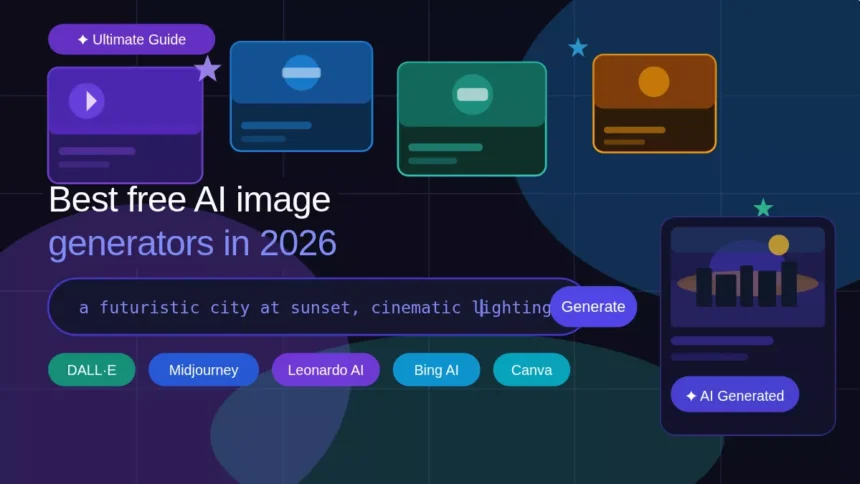
I observe AI images all over in 2026 created using different tools. Finding the right free AI image generator can save hours of your time.
Whether you need a YouTube thumbnail, social media graphics, or any sort of creative artwork, AI tools make it possible without requiring any degree. I’ve used dozens of tools, and here are the best ones to use in 2026. I have also mentioned when you should consider upgrading.
What is an AI Image Generator?
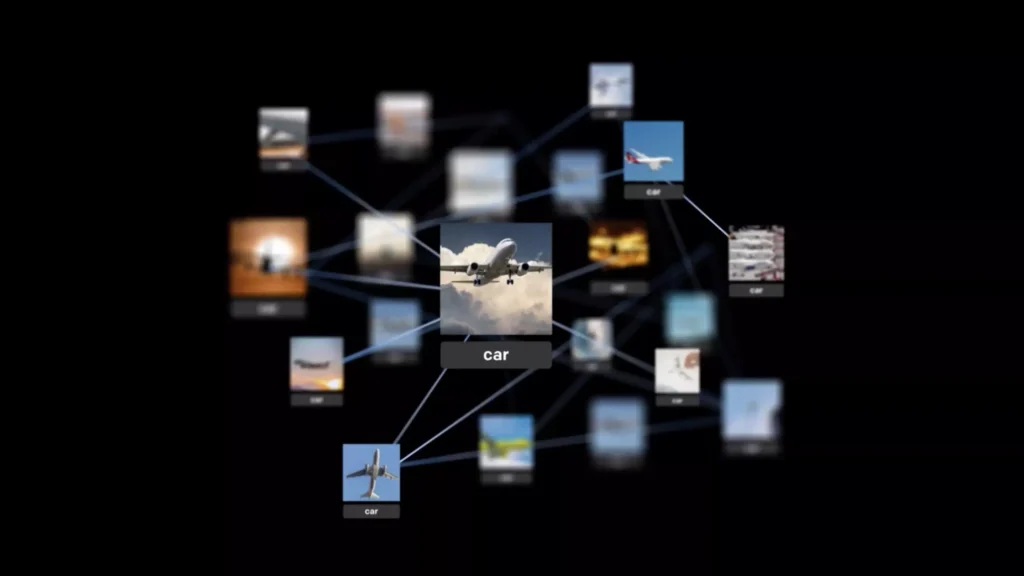
An AI text-to-image generator is a tool that converts your written instructions into an image with the help of artificial intelligence.
You just need to type a prompt like “a futuristic city at sunset, cinematic lighting”, and the AI model will create the right image within seconds.
Such tools are trained on millions of images and thus understand the relationship between your words and the right visuals. As a result, we can get any style, realistic images, or original artwork from a single text command.
Common use cases include:
- Bloggers and content creators create featured images that suit their content.
- Marketers use them to create social media graphics and ad visuals.
- Game designers use them to design characters and environments for their projects.
- YouTubers save money by creating AI-generated thumbnails for their videos.
Over the years, we’ve seen technological advancements, and the latest artificial intelligence tools help you save hundreds of dollars and the headache of hiring a professional, while getting things done within a minute.
Best Free AI Image Generators
1. DALL·E by OpenAI
When I first tried DALL·E, the results were very surprising. Developed by OpenAI, it is one of the best options available when looking for a free AI image generator today.
Key strengths:
- Creates high-quality images with a single prompt.
- Understands user language easily.
- Can be used by anyone with minimal knowledge required to get the right images.
DALL·E can be accessed within ChatGPT, so if you already have a free account, you can use it.
OpenAI says ChatGPT Images 2.0 is available across ChatGPT plans, although free users may face stricter limits than paid users, which is enough to learn and experiment.
Best for: Beginners, bloggers, and any individual who wants quality images without creating them manually.
2. Leonardo AI
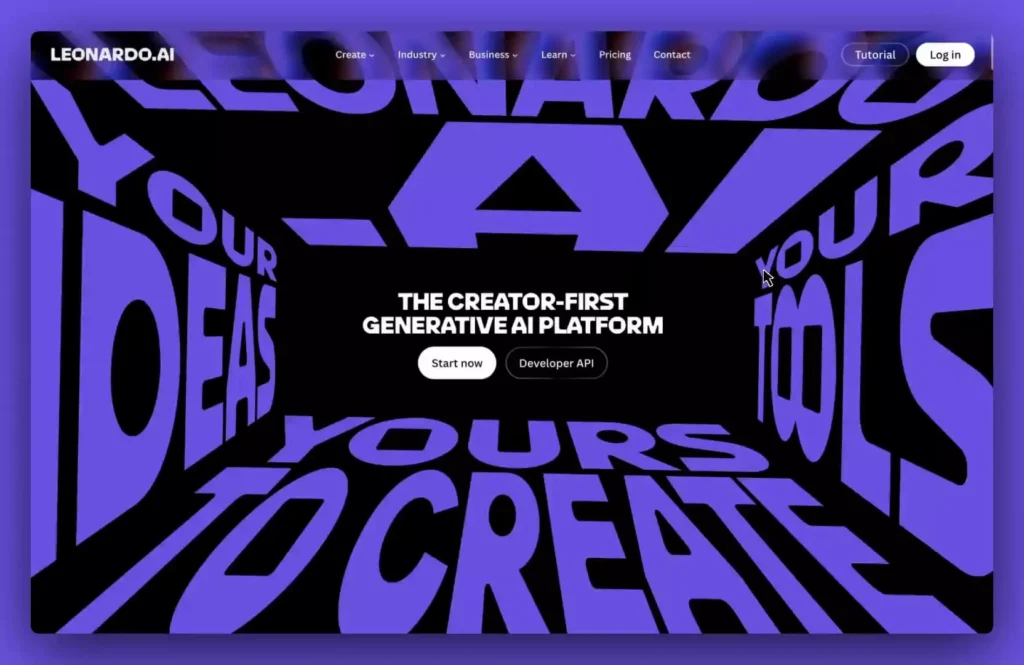
Leonardo AI is great for creative and game-related image generation. When I tried to generate game character concept art, the outcome was impressive, with peak detailing following my instructions.
Key strengths:
- Best for game assets, concept art, and stylised visuals.
- Offers free daily tokens, which are useful for testing different image styles and models.
- Different models for different requirements.
According to Leonardo AI’s official site, free users get 150 tokens daily — enough to learn and experiment before moving to the pro version.
Best for: Game developers, concept artists, and creative minds.
3. Bing Image Creator
Bing Image Creator is Microsoft’s entry in the AI image creation field. It’s completely free, requiring only a Microsoft account.
The tool is powered by DALL·E, so you don’t have to worry about image quality.
Key strengths:
- Free to use with no paid tier required.
- Can be accessed on the web without needing an app.
- Fast image creation with no prompt learning required.
I think this might be the right option for many of you to generate AI images without any setup. I’ve tested it to create a social media banner for my facts page on Instagram, and the results were satisfying.
Best for: Casual users, students, and anyone looking for a free AI image generator tool.
4. Canva
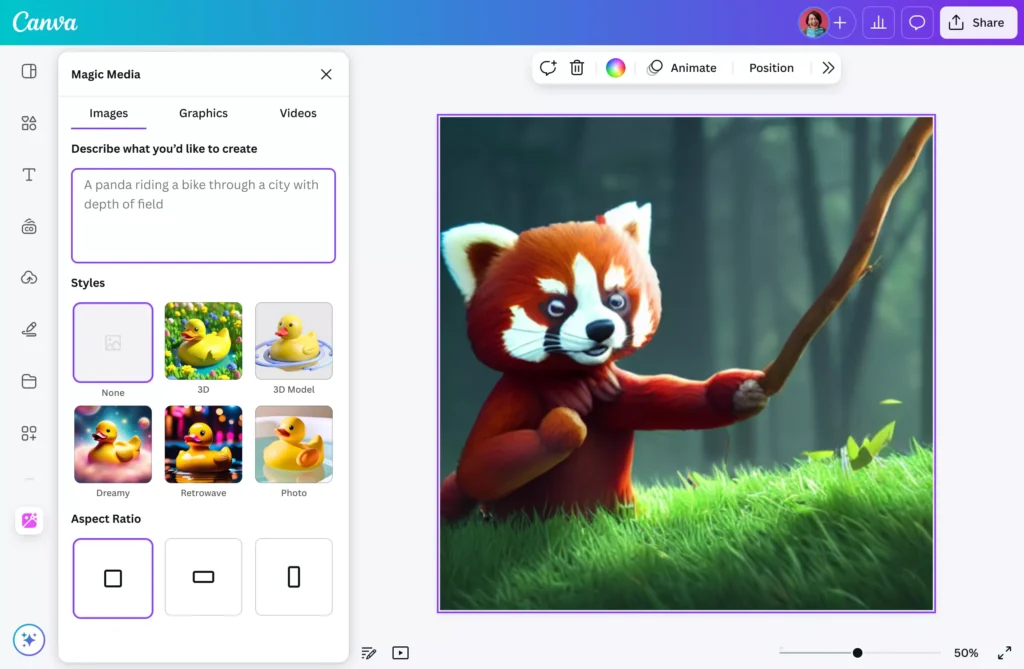
Canva comes with an AI image generation tool along with tons of design options. After creating an AI image, you can instantly use it in a template, resize it, or even add text to it, which makes it very useful.
Key strengths:
- AI image generation with advanced design options.
- Thousands of useful templates for marketing, social media, and thumbnails.
- Any beginner can start using the tool without prior experience.
I will suggest Canva to those who use AI image tools daily. For minimal use, the free plan is enough, but some premium templates require an upgrade.
Best for: Content creators, small business owners, and social media managers.
5. Adobe Firefly
Another free tool you can try for AI image generation is Adobe Firefly. It’s mostly recommended for creators looking for high-quality aesthetic and stylised visuals. In my experience, the results were up to the mark. Try and see how it goes for you.
Key strengths
- Creates visuals for creators with different models available.
- Gives an aesthetic output slightly better than some of the other free AI Image Generation tools available.
- It has its own community and can be integrated with Adobe Photoshop for further editing.
Adobe Firefly can be directly accessed from the web. No third-party app is required to run it. In 2026, it will allow 25 basic AI image generations per month. The best part about this tool is that its training data is fully licensed, making it one of the safest tools to use.
Best for: Creators, Designers, and Artists looking for AI images that bring their creative imagination to life.
How to Use AI Image Generators
Getting the right results from a free AI image generator isn’t just about picking the right tool. It’s about how you communicate with it. Here’s a process that can be helpful:
Step 1: Write a Good Prompt
The prompt is the core of your AI images. A good prompt can deliver the best output, and a bad one provides a mediocre result.
- Instead of: “a dog”
- Try: “a golden retriever sitting in a sunlit park, shallow depth of field, photorealistic”
You need to be more descriptive about image details like the setting, mood, subject, and styling as required.
Strong prompts include:
- A clear subject (“a female astronaut”)
- A setting or background (“on the surface of Mars”)
- A mood or lighting (“golden hour, dramatic shadows”)
- A style reference (“in the style of a Marvel comic”)
Step 2: Choose a Style
Most free AI image generator tools allow you to choose a visual style before creating an image, helping you get the best output possible.
Common style options include:
- Realistic — delivers photographic quality.
- Cartoon — flat colours, bold outlines, great for social media and children’s content.
- Cinematic — perfect for thumbnails.
- Fantasy/Painterly — artistic, suitable for book covers and game assets.
When I switched the same prompt from “realistic” to “cinematic”, the output looked like a movie poster, which is why style selection matters in AI image generation.
Step 3: Generate and Refine
Most of the time, the first generation isn’t the final one. It’s completely normal, so keep trying different instructions until you get your desired image.
If the result isn’t right:
- Add or change descriptive words.
- Specify what you don’t want (e.g., “no text, no watermark, no extra limbs”).
- Adjust the style.
- Create three to four variations of your prompt and select the best one.
Refinement is the key to getting the best AI images. When I added “soft studio lighting, 85mm lens” to a portrait prompt, the result was more professional than work from many real artists.
Best Prompts for AI Image Generation
With the right prompt, you can create images that you can actually use in your daily work. Here are my top three prompts across different use cases.
Realistic Portrait
“A professional headshot of a young South Asian woman, soft studio lighting, neutral background, sharp focus, 85mm lens, photorealistic, high detail”
You can use this prompt for LinkedIn graphics, author bios, and blog profile images. Mentioning lighting, lens type, and “photorealistic” transforms a moderate image into a professional one.
YouTube Thumbnail
“A dramatic split-screen thumbnail showing a broken smartphone on the left and a fully repaired phone on the right, bold red and yellow colour scheme, cinematic lighting, text space at the top, high contrast”
Thumbnails need to grab the user’s attention within a couple of seconds. Specifying the colour scheme and text space helps deliver the preferred outcome for YouTube videos.
Fantasy Art
“A lone warrior standing at the edge of a cliff overlooking a vast magical kingdom, dramatic storm clouds, glowing sword, epic fantasy style, painterly texture, wide-angle composition, hyper-detailed”
I recommend this prompt for those looking to create game concept art and book covers. Tools like Leonardo AI and Midjourney work well with this prompt. The painterly texture and hyper-detailed tags make a noticeable difference in the AI-created image.
Pro tip: Keep saving the best prompts that work for you, and over time, you’ll build a prompt library of your own. This will allow you to create images within seconds without wasting effort trying different prompts.
Free vs Paid AI Image Generators
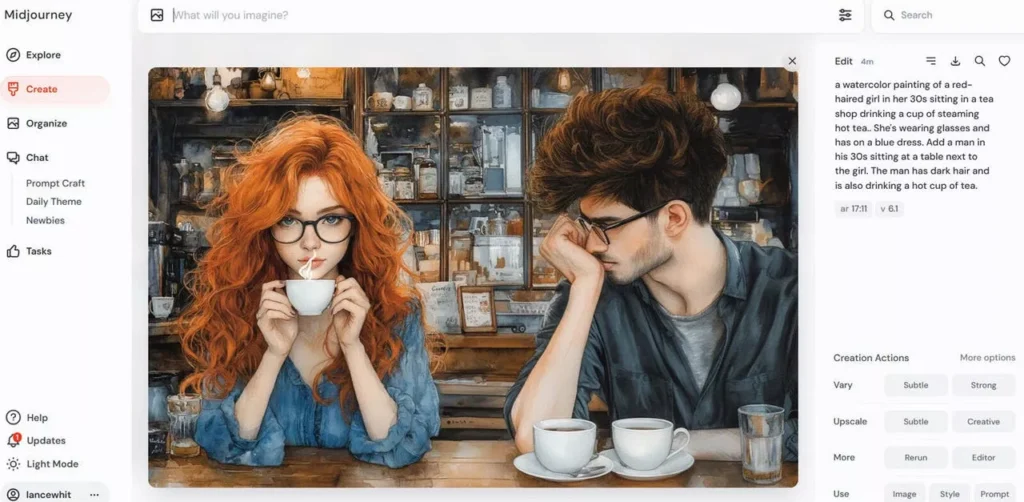
Free plans are good for beginners learning to use such tools. Before choosing a paid plan, you should know when to upgrade. Here are some limitations and an upgrade guide for you:
Liitations of Free Plans
- Limited generations — daily or monthly limits (e.g., 10 images/day).
- Lower resolution outputs — free images come with lower resolution and can’t be used for professional work.
- Watermarks — some tools print a watermark on the AI-created image.
- Slower processing — free users experience higher average response times.
- Restricted styles or models — all premium models with a variety of pre-installed styles are available only via upgrade.
When I was using a free AI image generator for a client, the resolution problem was the first thing I noticed. It was usable for web but not the right quality to print a banner.
When to Upgrade
Only go for the paid plan when:
- You require high-resolution images for print or merchandise.
- Your free daily credits aren’t sufficient.
- You need commercial licensing — free plans often restrict commercial use (check the terms of service).
- You want to use advanced models with better accuracy and detailing.
- Speed matters — you want outputs within seconds.
According to Adobe Firefly pricing page, paid plans start at $9.99/month. I recommend this to those who create AI images on a daily basis.
For casual use, blogging, or just trying things out, free plans are more than enough.
But if you use these AI image tools professionally, upgrading to premium is a worthy investment.
Tips to Get Better AI Images
Tools play a big role in getting the right output, but so does the way you write your prompts. I’ve tried different methods and would like to share some tips:
Use Detailed Prompts
Always go with a detailed prompt that describes exactly what you need. Such prompts give output with the best accuracy.
Add details like:
- Subject and action (“a chef plating a dish”)
- Environment (“in a modern Michelin-star kitchen”)
- Time of day (“late evening, warm ambient light”)
- Emotion or mood (“calm, focused, professional”)
Add Lighting and Style Keywords
Lighting is one of the key elements that can change the perspective of an image with a single change.
High-impact lighting keywords:
- Soft studio lighting
- Golden hour
- Dramatic side lighting
- Neon glow
Style keywords also work very well for image creation. Adding “cinematic”, “photorealistic”, or “editorial photography” can help you get an output far better than the regular one. This works across all free AI image generator tools I tested, and I noticed real differences in the results.
Experiment With Variations
I suggest you try 3 to 4 variations of your prompt to find an image you can actually use.
Smart variation strategies:
- Change a single keyword and see if you get a better output.
- Use the same prompt across different tools to see which works best.
- Remove unwanted elements with negative prompts (e.g., “no blur, no watermark, no distortion”).
When I tried generating an image, the best result came on the fifth attempt. So be patient until you get the right fit for your requirements.
Pros and Cons
None of the tools is perfect. Here are the top pros and cons of free AI image generator platforms available in 2026.
Pros
- Fast image creation — You don’t need any professionals to create social media graphics, banners, and blog headers. All of these can now be done within seconds with the help of AI tools.
- No design skills needed — You don’t need a degree to create an image of your imagination. You can generate images using AI that look professional and follow your suggestions.
- Cost-effective for most use cases — Free tools can help you create casual images for social media, blogs, and student work, but for daily professional use, paid plans are a better choice.
- Endless creative variety — The best thing is that all such free tools unlock your creativity and give you the freedom to bring your imagination into art without doing it manually.
Cons
- Limited credits on free plans — The major problem with such tools is that their free plan comes with a daily or monthly limit, which may not be sufficient for working professionals.
- Not always accurate — Though AI tools make your work easier, they are still evolving and might show some flaws, such as issues with images containing multiple objects.
- Commercial licensing restrictions — Many free plans don’t allow you to use the images commercially. I advise you to read the terms before using.
- Inconsistency across generations — Some prompts deliver different outputs on the same AI tool, which is helpful at times, but can be frustrating when you’re not getting the image you’re looking for.
Conclusion
Choosing the right free AI image generator is most important. For beginners, DALL·E and Bing Image Creator are good options to try.
Adobe Firefly and Leonardo AI are recommended for professionals. Content creators who require flexibility in design can use Canva.
Start with simple prompts, understand how they work, and later use your creativity to create the best AI images and use them as needed
Which is the best free AI image generator?
In 2026, Bing Image Creator and DALL·E by ChatGPT are some of the best options for newcomers. Their free versions are sufficient to experiment with.
Are AI-generated images free to use?
It varies from tool to tool, but most don’t allow the commercial use of AI images. Check the licensing terms of each AI image tool before creating images.
Can I use AI images for YouTube thumbnails?
Yes, many creators are applying AI thumbnails to their videos, and it works really well. Use tools like DALL·E and Bing Image Creator to get the right thumbnail for your YouTube video.
Do AI image generators require a login?
Yes, almost every AI image generator asks you to do a basic sign-up using your Google account or email to track the free credits you use on their platform.
How do I improve AI image quality?
Use detailed prompts with keywords like “soft studio lighting” or “golden hour”. Add style using words like “cinematic” to get the best quality image for your instructions