Roblox public lobbies can get chaotic fast. Too many players, random interruptions, and no control over who joins. Private servers solve all of that by giving you a dedicated space for just you and the people you invite.
This guide covers everything you need to know about Roblox private servers in 2026, including how VIP servers work, how to join one, how to create your own, and how to fix the most common issues players run into.
What Is a Private Server in Roblox?
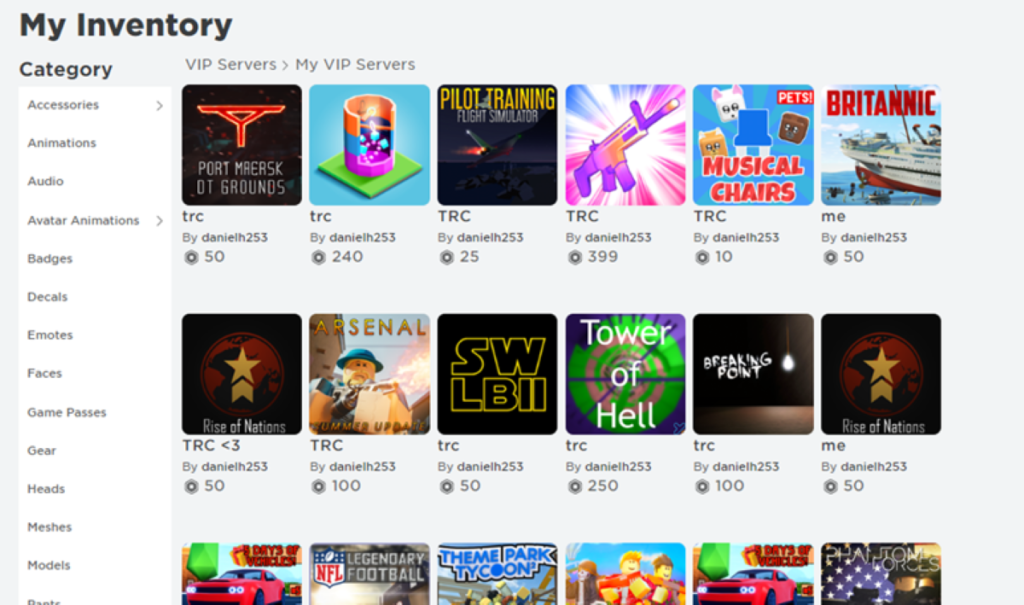
A private server in Roblox is a separate game instance that only specific players can access. Unlike public servers, the owner decides who gets in, meaning no random players can join without permission.
These are also commonly called VIP servers. The two terms refer to the same thing, just different names used across the platform and its community.
Now that you know what a private server is, here is how you can join one.
How to Join a Private Server in Roblox
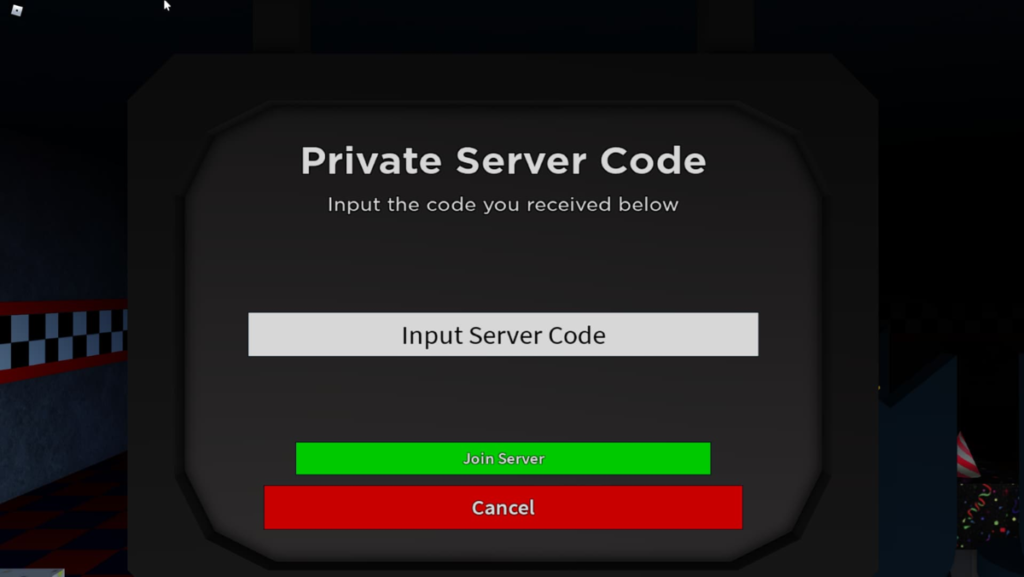
There are a few different ways to join a private server in Roblox, depending on how access is shared with you.
Method 1: Using a private server link
This is the most common method.
- Get the private server link from the owner. This is usually shared through chat, Discord, or direct messages.
- Click the link. If you are not already signed in to Roblox, you will be prompted to log in.
- The game will launch automatically and place you directly into that private server.
If the link opens the regular public game instead, it is likely expired or your account does not have access.
Method 2: Join through a friend
This works if a friend is already in the private server.
If the server has friend joining enabled, you will be placed into the same private server automatically.
- Open Roblox and go to your friends list.
- Find the friend who is currently in a game.
- If the server has friend joining enabled, you will be placed into the same private server automatically.
- Click “Join Game” on their profile.
How to Create Your Own Private Server
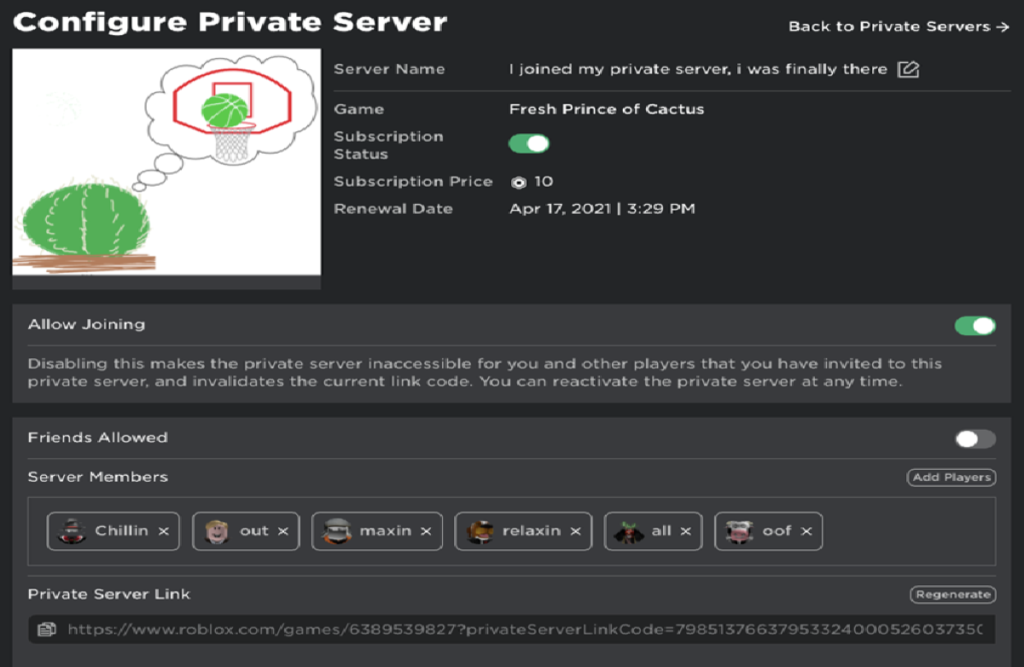
If you would rather set things up yourself than wait for an invite, creating your own private server is simple.
- Open the page for the game you want to play.
- Scroll down to the Servers section.
- Look for the option labeled “Create Private Server” and click it.
- Enter a name for your server and confirm the purchase. Note that most games charge a small amount of Robux to create a private server.
- Once it is set up, go to the server settings to add friends directly or generate an invite link to share with others.
From there, you have full control over who joins and how the session runs. You can share the invite link at any time through chat, Discord, or direct messages.
Are Roblox Private Servers Free?
Not all the time. Some games let you use private servers for free, but most need Robux. The cost varies by game and is usually billed once a month.
Always check the price on the server page before making one.If you don’t pay, the server usually stops working or runs out of time.
Why You Can’t Join a Private Server (Fixes)
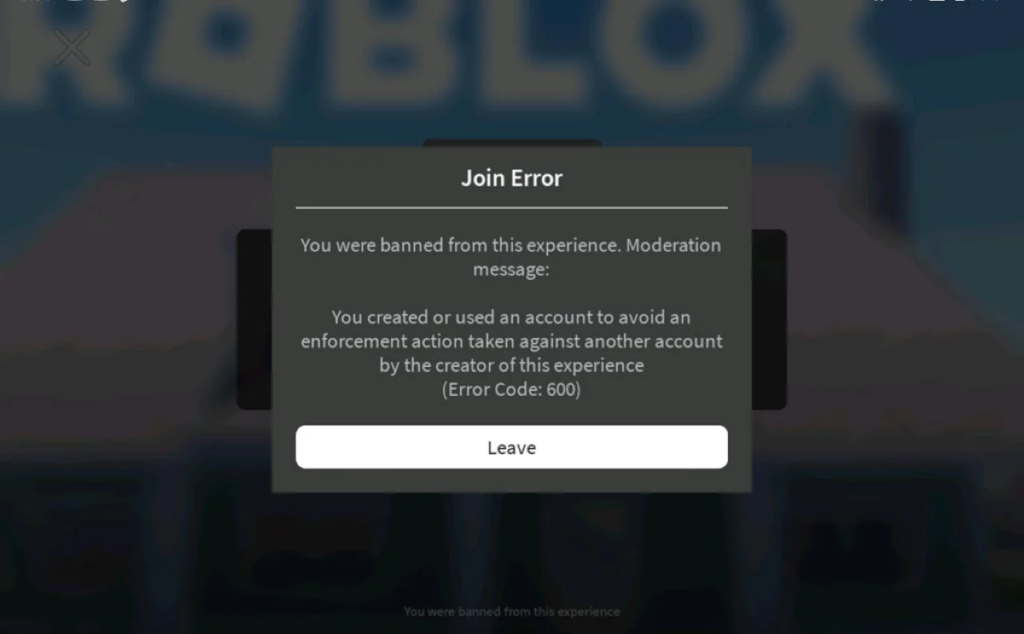
If you are having trouble joining a private server, one of these is likely the reason:
- Invalid link: The link may have expired or been reset. Ask the owner to send a new one.
- Server is full: Most private servers have a player limit. Wait for a spot to open up or ask the owner to increase the limit if the game allows it.
- No permission: The owner may not have added your username to the server. Reach out and ask them to grant you access.
- Account settings: Check that your account settings allow you to accept invites and join friends.
- Account restrictions: If your account has been flagged or banned, you may be blocked from joining. Check your account status or contact Roblox support.
Joining from a console: Private server support on console is limited. The most reliable workarounds are joining through a friend’s session or using a second device to access the server link.
Benefits of Using Private Servers
Private servers offer a noticeably different experience compared to public lobbies.
- Play with people you know: No random players joining or disrupting your session.
- Better performance: Fewer players on the server generally means less lag and smoother gameplay.
- Full control over the session: You set the rules, the pace, and the purpose, whether that is grinding, testing, or just playing casually with friends.
Once players switch to private servers, many find it difficult to go back to public lobbies.
That covers everything you need to know about joining private servers in Roblox. For more Roblox guides and updates, keep reading FandomScoop!
How do I join a private server in Roblox?
You can join using a private server link or by joining a friend who is already inside the server.
Are private servers free in Roblox?
Some are free, but most require a monthly Robux payment depending on the game.
Can anyone join a private server?
No. Only players with access, either through an invite or link, can join.
Why is my private server link not working?
The link may be expired, invalid, or you may not have permission to join the server.
Can I play alone in a private server?
Yes. You can join your own private server and play solo without inviting anyone.