Did you buy something in Fortnite and then regret it? It happens a lot. The Item Shop changes quickly, and it is easy to spend V-Bucks on things you end up not using. The good news is that Fortnite does let you get your V-Bucks back, but only under certain conditions.
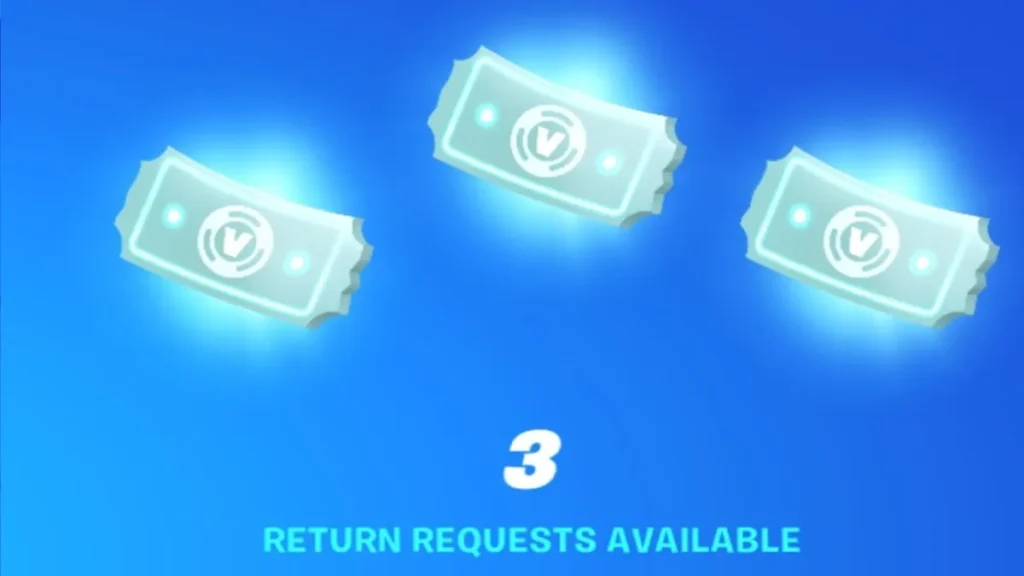
Fortnite has two main ways to refund an item. The first is the Cancel Purchase option, which is available for 24 hours after buying an item, as long as you have not used or equipped it in any game mode. The second is the Return Ticket system, which lets you refund eligible items bought within the last 30 days. Each account gets three Return Tickets to start with, and a new one is added every 365 days after you use one. So it is important to use them wisely.
If you are not sure how the process works, this guide will walk you through everything you need to know about how to refund items in Fortnite.
What is the Fortnite Refund System?
Fortnite has a built-in system that lets players return some cosmetic items bought with V-Bucks. This includes skins, emotes, pickaxes, gliders, and wraps purchased from the Item Shop. There are two ways the system works.
The first option is Cancel Purchase, which lets you undo a purchase within 24 hours as long as you have not used or equipped the item in any game mode. The second is the Return Ticket system, which lets you refund eligible items bought within the last 30 days. Either way, refunds only give you back V-Bucks, not real money, and the item is permanently removed from your locker once the process is complete.
What Are Refund Tickets in Fortnite?
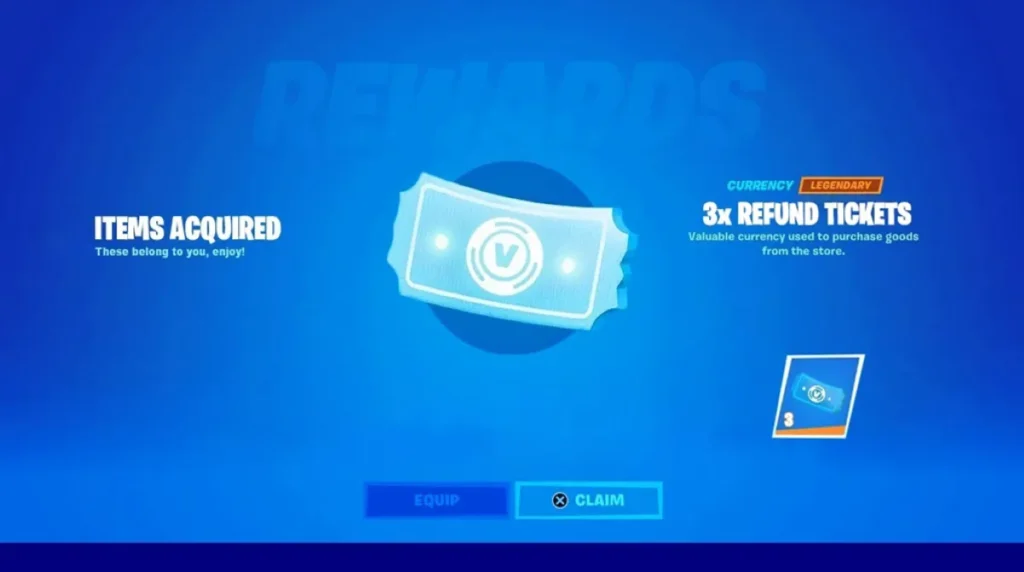
Return Tickets, also called Refund Tickets, are limited-use tokens that let you return items after the 24-hour cancel window has passed. Every Fortnite account starts with three Return Tickets, and each refund uses one ticket. You can hold a maximum of three tickets at any time.
If you use a ticket, a new one is added to your account 365 days after your most recent ticket was used, but only if you have fewer than three tickets remaining. You cannot buy or request extra tickets, so it is important to save them for purchases you truly regret rather than spending them on minor changes of mind.
Fortnite Refund Rules & Limitations
Deadlines:
- Cancel Purchase works for 24 hours.
- Return tickets are good for 30 days.
Terms:
- Item must not be used or set up to be canceled
- You have to give back all of the bundles.
Items that can’t be returned are:
- Levels and Battle Pass
- Things that were given
- Buying V-Bucks
- Subscriptions to Fortnite Crew
- Llamas and Save the World items to loot
- Things you buy on islands made by creators
You won’t be able to get your money back if your item doesn’t meet these requirements.ble.
How to Refund Items in Fortnite (Step-by-Step)
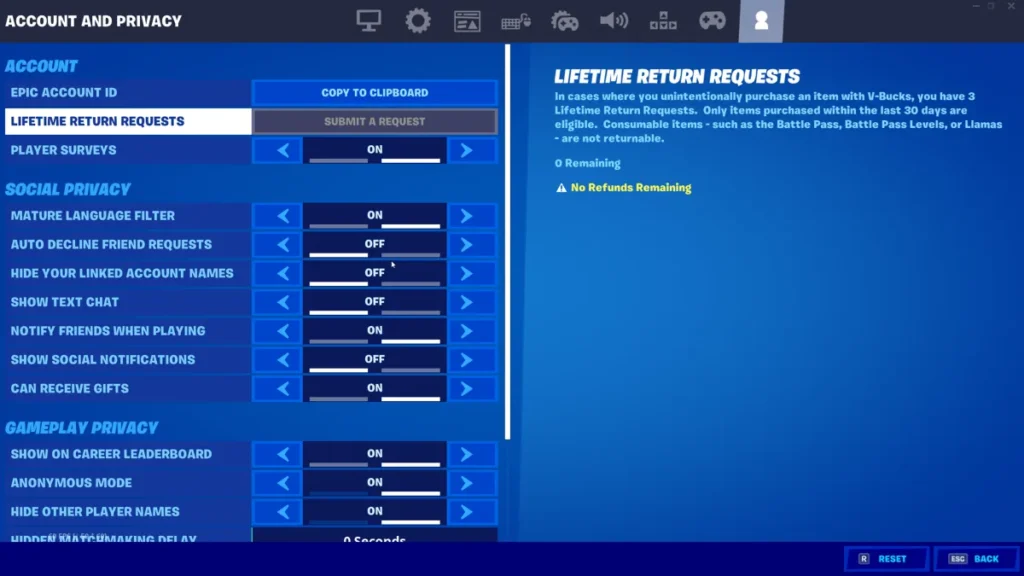
Here’s how to refund Fortnite and how to refund skins Fortnite:
Method 1 – Refund via Game Settings
- Start Fortnite
- Click on the Player Icon in the upper right.
- Open Settings
- Go to Privacy and Account
- Choose “Cancel Purchase or Return”
- Pick the item you want to get your money back for.
- Confirm your request
The item is taken away and the V-Bucks are sent back right away if you are eligible.
Method 2 – Refund via Epic Games Website
- Sign in to your account
- Click on your profile picture.
- Choose “Return and Cancel Purchases.”
- See your past purchases
- Choose the item
- Confirm the return
This is the same as what happens in the game.
How to Check Remaining Refund Tickets
Now you have learnt how to refund Fortnite. Let’s learn about the remaining Fortnite Refund Tickets:
- Start Fortnite
- Open Settings
- Go to Privacy and Account
- Click “Return or Cancel Purchase”
You will be able to see how many Return Tickets you still have. If your total is less than three, a new ticket is only added after 365 days.
Refund Not Working? Try These Fixes
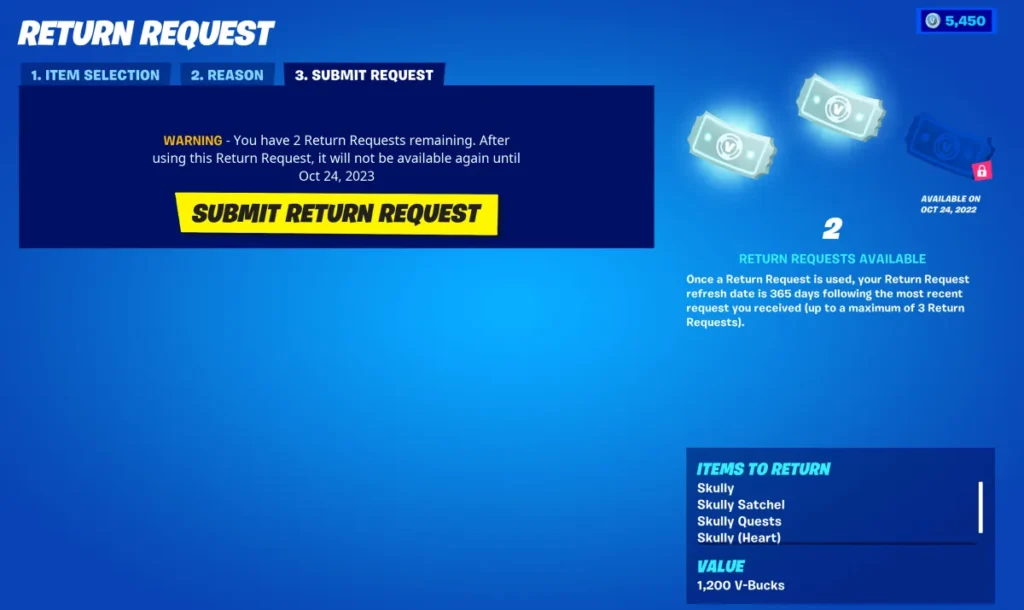
Refund not going through? Try these fixes:
- Not eligible for Fortnite return items
- Some purchases can’t be returned.
- Reached the limit of tickets
- There are no tickets left, so there is no way to get your money back.
- The time window has passed
- It’s been more than 30 days
- Already used item
- If you have the right tools, “Cancel Purchase” won’t work.
Also, don’t forget to check Epic Games Refund Policy.
What Happens After a Refund?
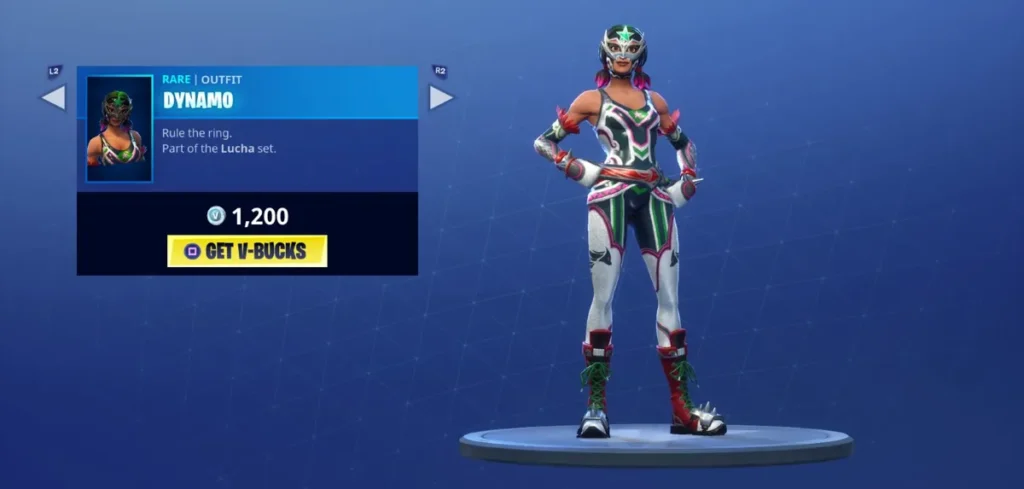
When a refund is processed, the item is taken out of your locker for good, and the exact amount of V-Bucks you spent is put back in your account. If you bought something as part of a bundle, the whole bundle is taken away, not just the item you bought.
You can’t go back in time, so once you confirm the refund, you won’t be able to get the item back unless you buy it again later from the Item Shop.
That’s it from us on how to refund Fortnite.
How many refund tickets do you get in Fortnite?
You get three tickets to get your money back. If you have less than three, you get one new ticket every 365 days.
Can you refund V-Bucks in Fortnite?
No. You can’t get your money back for V-Bucks you bought with real money through the game.
How long do you have to refund an item
You have 24 hours to cancel a purchase and up to 30 days to use return tickets.
Can I get more refund tickets?
You can’t buy them. If your total is less than 3, you only get one automatically every 365 days.