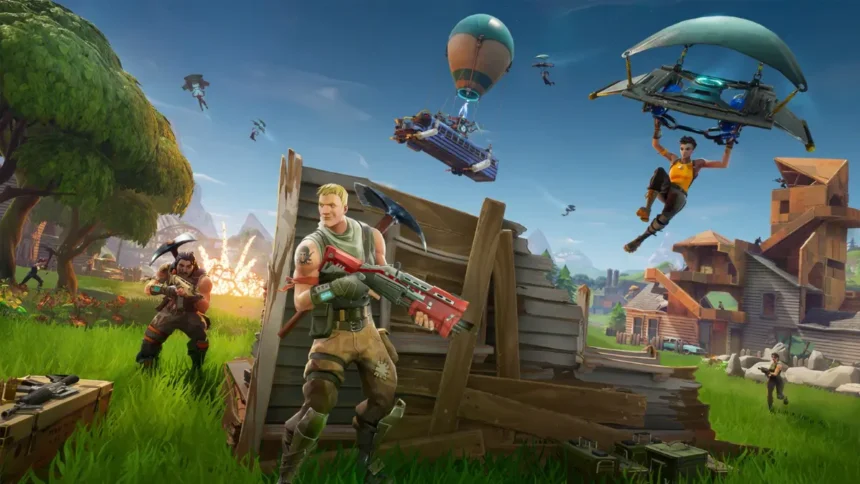
Playing together on one screen never gets old, especially in a game like Fortnite. If you are on a console, you do not need two TVs or two setups to play with a friend sitting right next to you.
Fortnite supports split screen on PS4, PS5, Xbox One, and Xbox Series X/S. It lets two players use the same console at the same time, each with their own controller and their own Epic Games account. The feature works in Battle Royale, Zero Build, and LEGO Fortnite modes, but it is not available in Ranked, Creative, or Solo play. It is also not supported on PC, Nintendo Switch, or mobile.
Here is everything you need to know about how to set it up and start playing.
What is Split Screen in Fortnite?
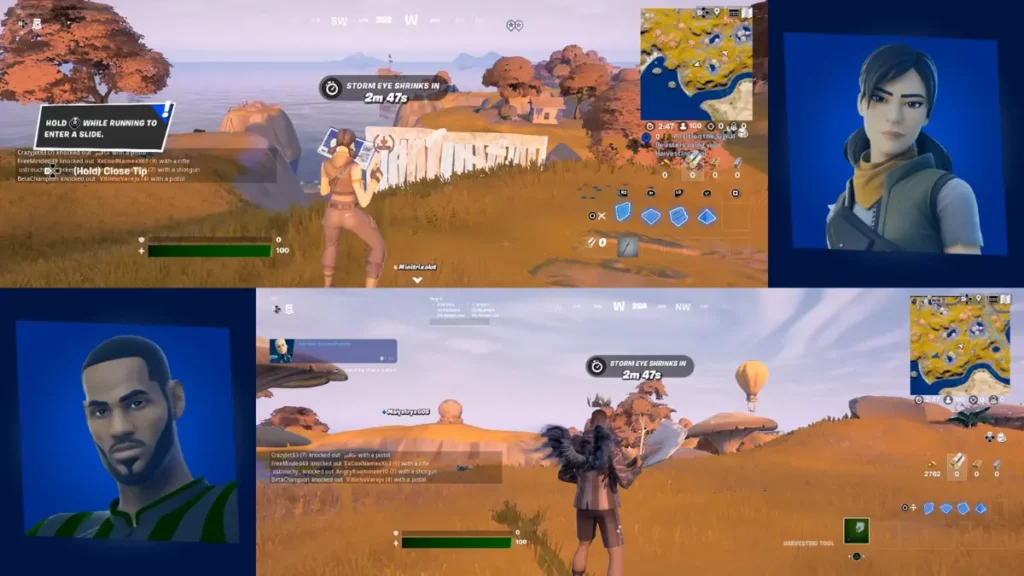
Before learning how to play split screen Fortnite, let’s first understand what it is. With split screen, two people can play on the same console and share a screen. This is a local multiplayer feature. Every player has their own character, inventory, and account.
This feature is only available on console versions of Fortnite. It works on PlayStation and Xbox, but not on PC, mobile, or Nintendo Switch.
The following game modes are supported:
- Battle Royale (with two or more players)
- No Build
- Fortnite LEGO
Creative maps that have local multiplayer support
Requirements for Split Screen
First of all, you need to check that you have the requirements to enable how to play split screen Fortnite:
- Compatible with PS5, PS4, Xbox One, and Xbox Series X|S.
- Two Controllers Connected to Console
- Stable internet connection
- Two different Epic Games accounts (guest accounts will not work)
Each player must log in with their own account to access skins, progress and Battle Pass content.
How to Enable Split Screen in Fortnite (Step-by-Step)
On PlayStation (PS5 / PS4)
Here is the way to setup Fortnite split screen PS5:
- Open Fortnite and go to the main lobby
- Turn on the second controller
- Press and hold X on the second controller when the login prompt appears
- Sign in with the second player’s PlayStation account
- Wait for the second player to appear in the lobby
- Select a supported mode and start matchmaking
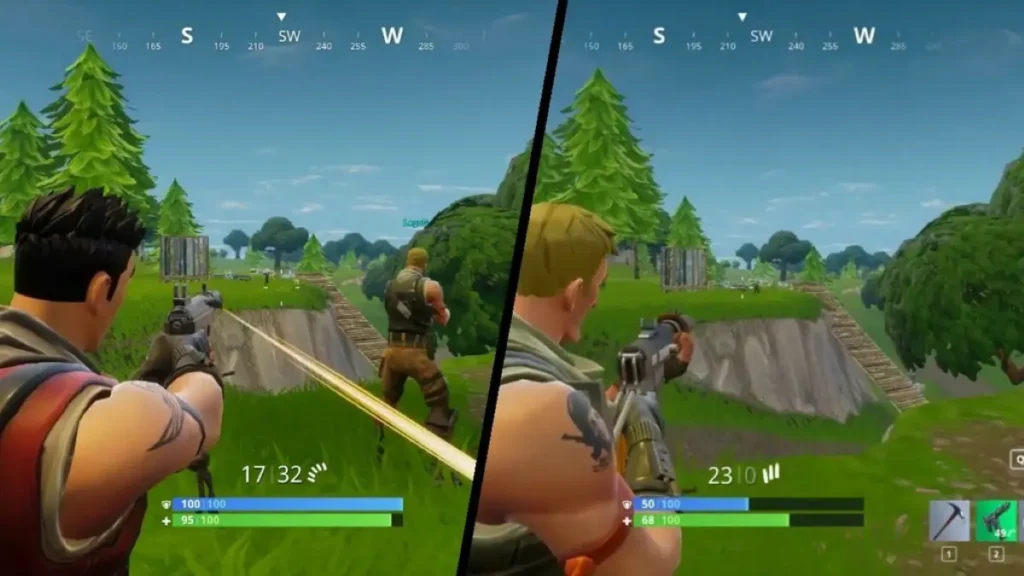
- The screen will split automatically once the match begins
When the match begins, the screen will automatically split.
On Xbox (Xbox One / Series X|S)
To set up Fortnite split screen Xbox, do the following.
- Open Fortnite and go to the main lobby
- Turn on the second controller
- Sign in with the second Xbox account
- Press and hold A on the second controller when the login prompt appears
- Confirm both players are in the lobby
- Select a supported mode and start matchmaking
- The screen will split automatically once the match loads
When the match loads, you’ll get the split screen.
Supported Modes for Split Screen
You can’t always use split screen. The following options are currently supported:
- Duos
- Squads
- Zero Build variants
- LEGO Fortnite
- Some Creative maps
Limitations:
- There is no support for solo mode
- Ranked modes are turned off.
- Limited Time Modes (LTMs) are not available right now.
- You can’t play Save the World in split screen.
That means it’s only for Fortnite couch co-op.
Split Screen Not Working? Try These Fixes
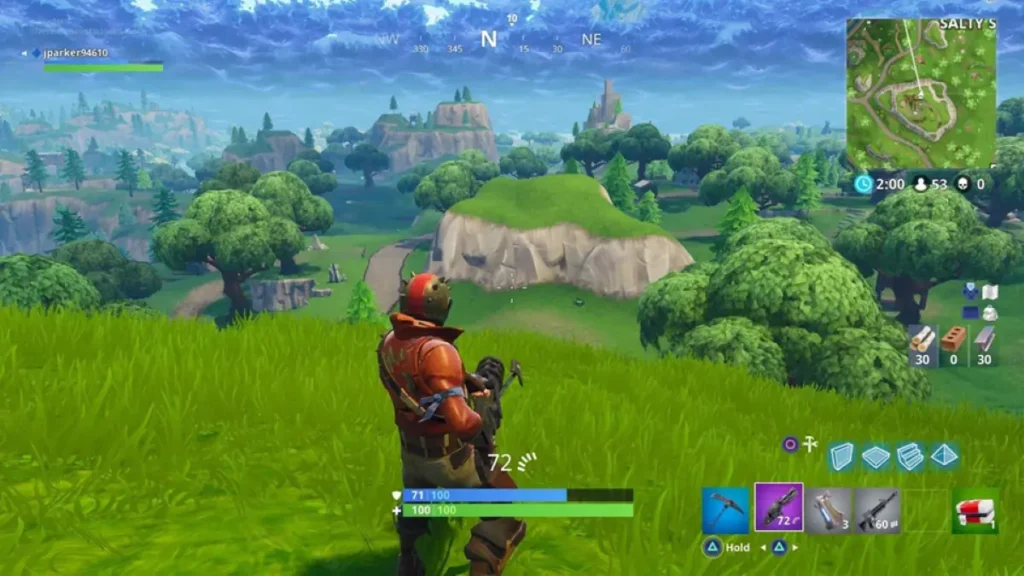
If split screen Fortnite not working, try these common fixes:
- Restart Fortnite and then start the game again.
- Make sure your internet connection is stable.
- Get the newest version of Fortnite
- Reconnect both controllers the right way.
- Make sure that both players are signed in to valid Epic Games accounts.
- Make sure that both players have the same language settings.
If one player leaves a match, the session will end automatically.
Split Screen Limitations You Should Know
Keep these things in mind before you learn how to enable split screen Fortnite:
- Not available on PC, mobile, or the Nintendo Switch
- Works only in certain modes
- Players do not share an inventory
- In split screen, lobby menus are not shared.
- Performance may go down a little bit, and on some consoles, FPS is capped.
- If one player leaves, the session is over.
That’s all from us regarding how to play split screen Fortnite.
Can you play split screen on PC in Fortnite?
No, you can only play split screen on PlayStation and Xbox consoles.
Why is split screen not working in Fortnite?
It usually fails due to account issues, controller connection problems, or unsupported game modes.
Do both players need separate accounts?
Yes, every player needs to sign in with their own Epic Games account.
Is split screen available in all game modes?
No, it only works in Duos, Squads, and a few other modes like Zero Build and LEGO Fortnite.